
Time Tracking Software for Developers

Lead your tasks and projects, meet deadlines, and improve your productivity with developer time-tracking software Wobbly

Start tracking for free
No credit card needed ✦ Unlimited users on Free plan
Trusted by
AriseHealth logo 2020INC logo The Paak logo Ephicient logo

How can project managers
use the time tracker for developers?

Resource planning for managing team

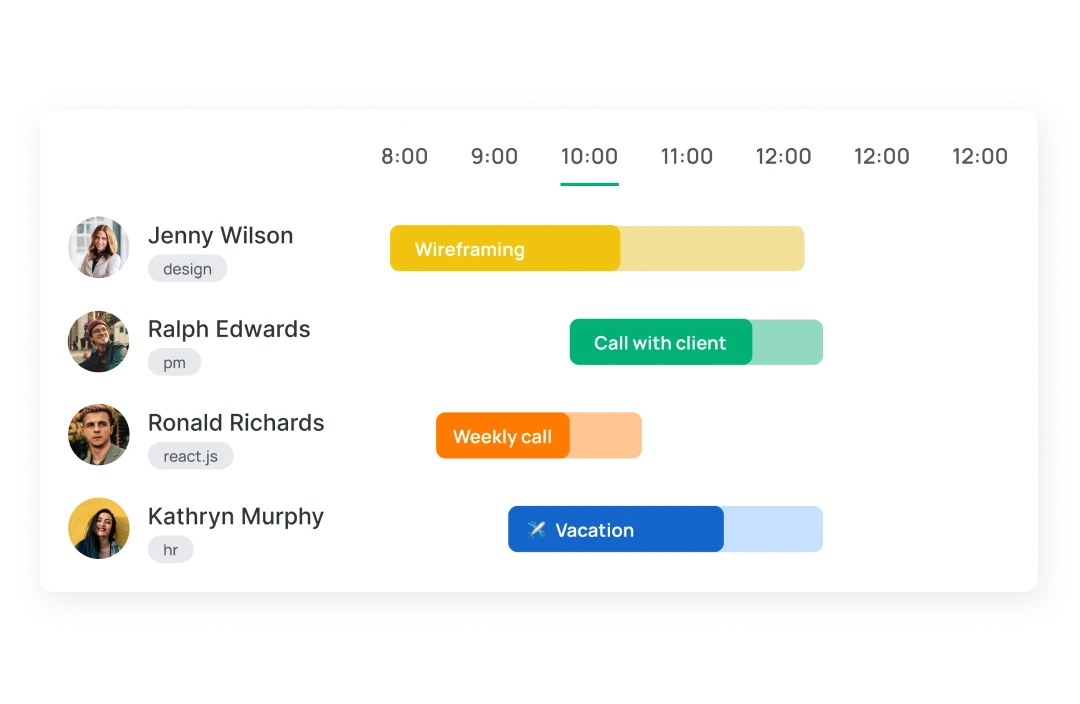
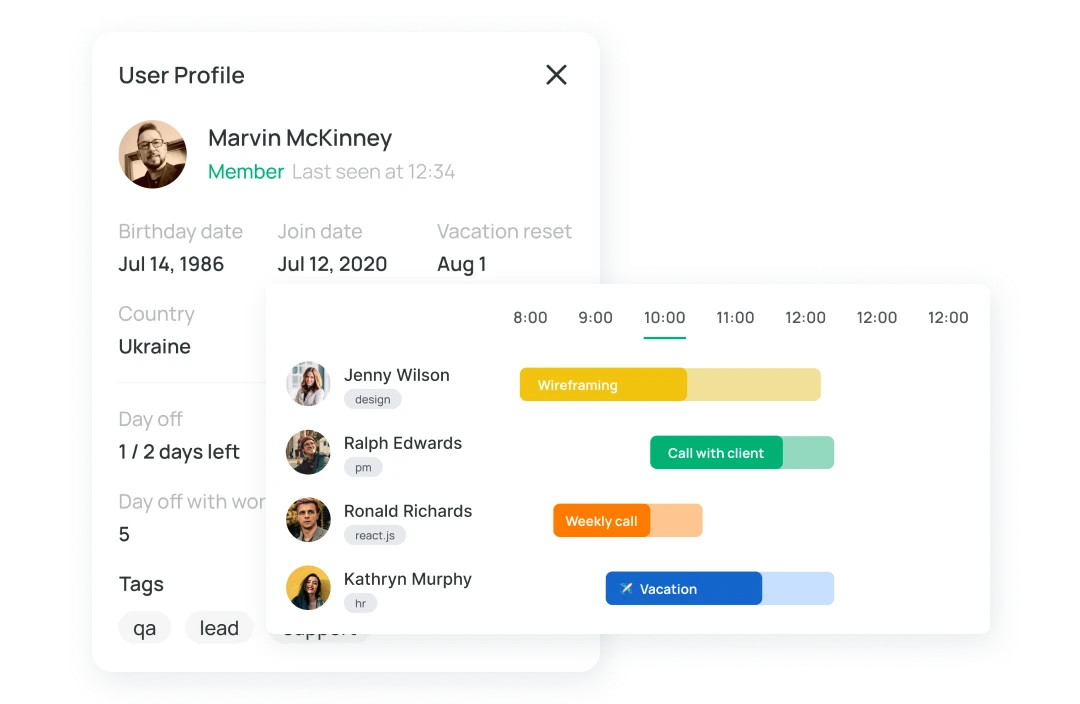
Wobbly engineering time tracking software is an employee scheduling toolthat allows PMs to manage team time, budgets, adhere to deadlines, schedule and distribute workload within employees and make quick rotations.

Time records for billable and non-billable tasks

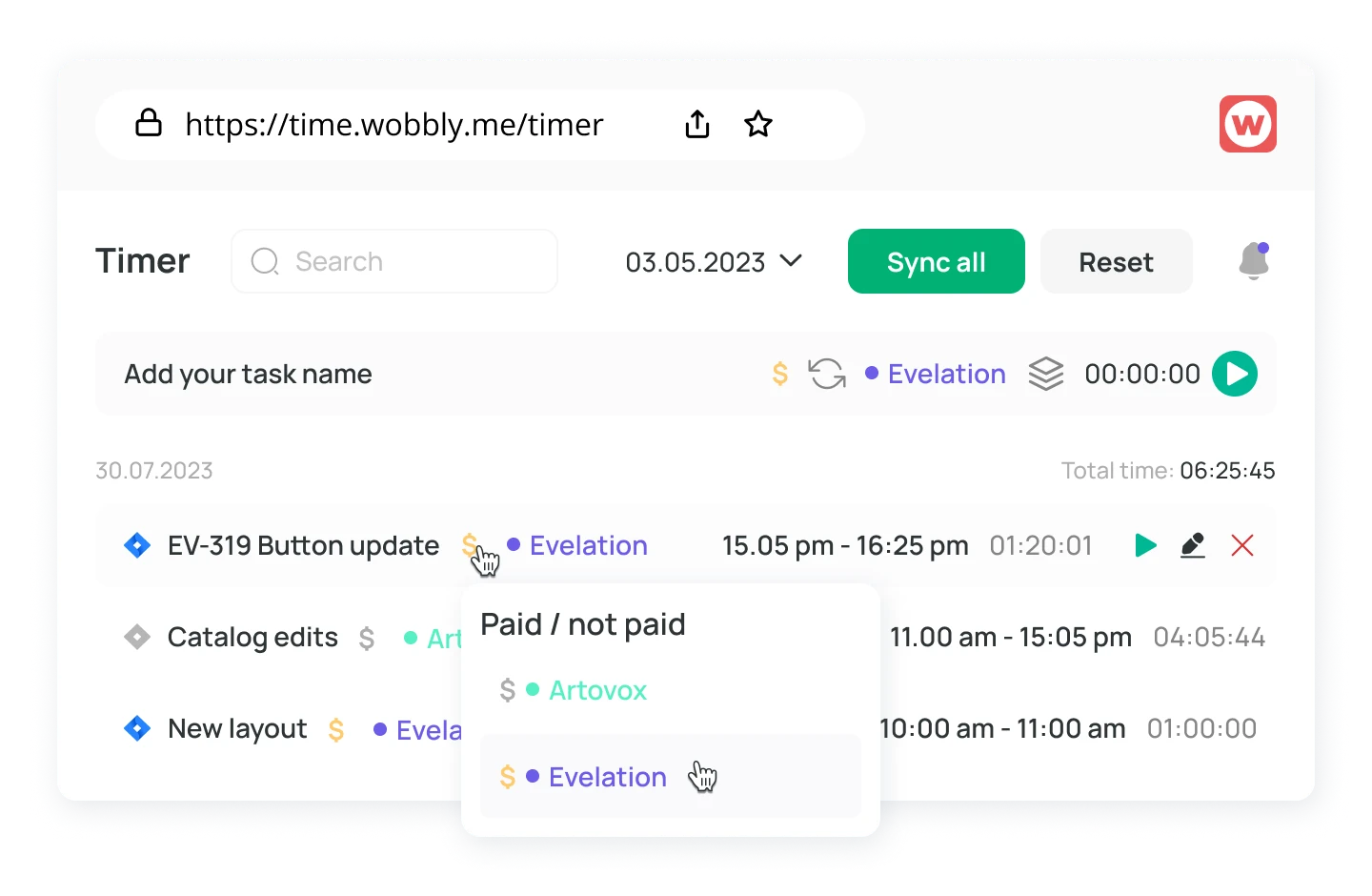
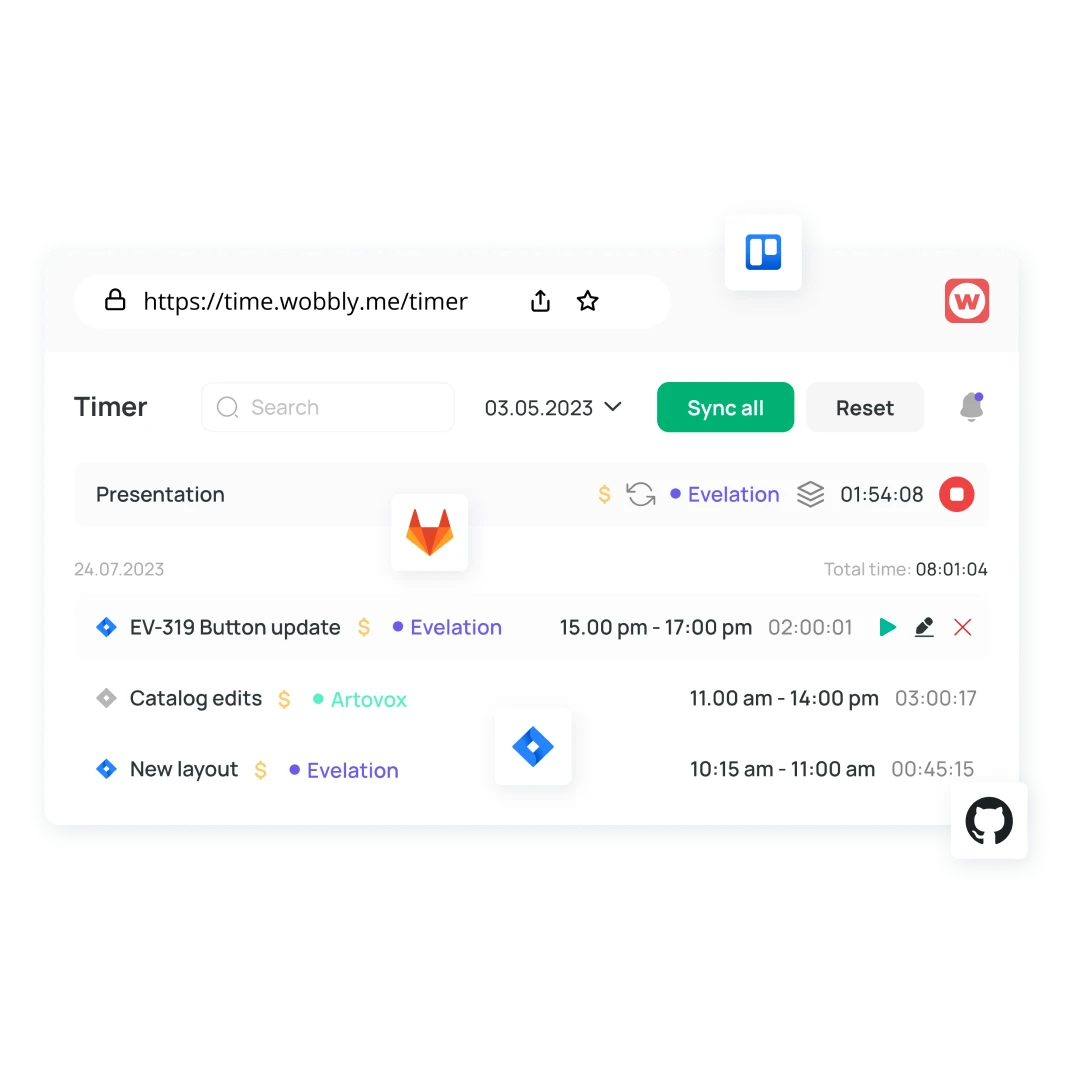
Turn the time recorder on the Wobbly software development tracker on from anywhere, even with a low connection from your phone or laptop; use the built-in integrations to control your work time. Keep track of your hours worked, which require payment.

Time reporting for updating on work progress

Wobbly time tracking allows developers and teams to track tasks in various projects. Thanks to time report feature, a team leader or PM can know how much time employees spend. Wobbly synchronizes with Jira, Trello, GitLab and GitHub. Use the data to analyze progress as

Free time invoicing in few clicks

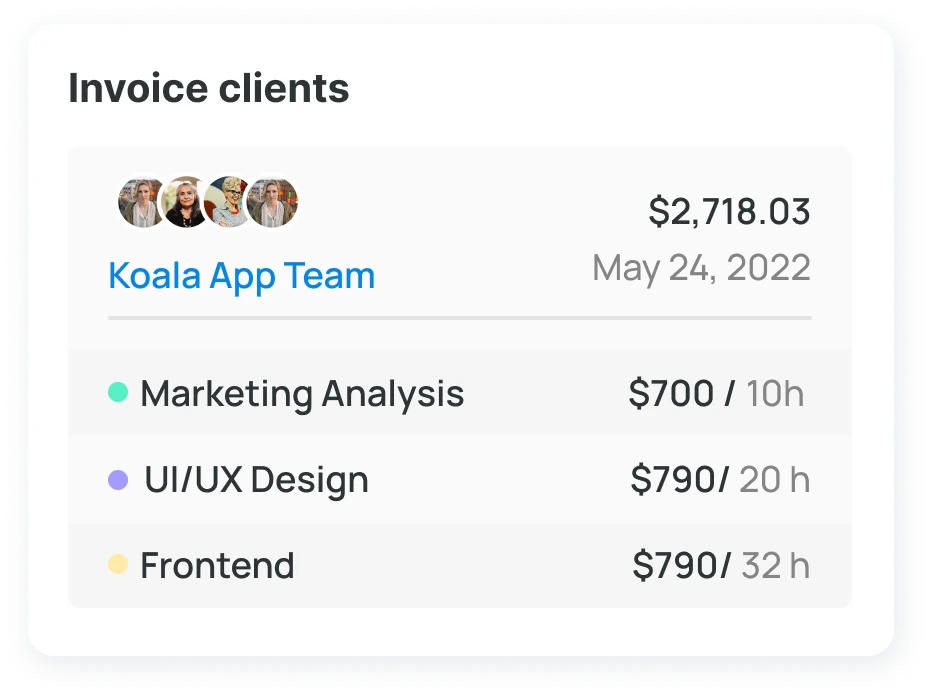
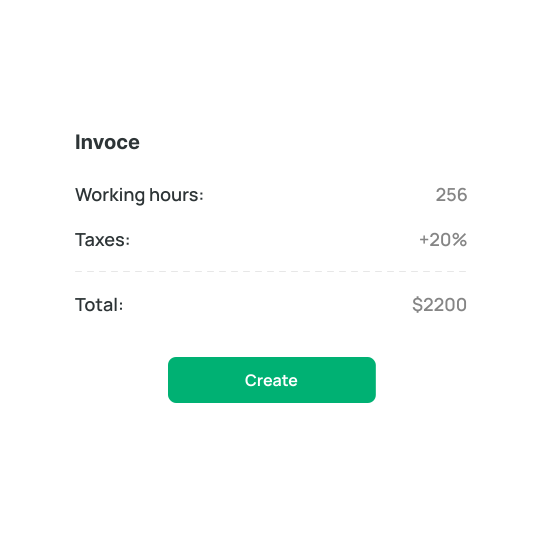
Issue invoices based on tracking data with the time invoicing tool Wobbly. Use the ability to track the status of invoices, for example, until the recipient opens it, it will be on hold. When the payment is credited, you can confirm it. Handy filters allow you to view your entire invoice history.

Generate invoices for clients

Go to the billing section — free invoice generator Wobbly. Select the reporting period and the project, and generate the invoice. You can either send it by mail with a prepared message or save it as a PDF. You can store templates of the most frequently used invoices.

Promotes better communication and cooperation in the team

A team time management tool will make everyone's job much easier. Track time, distribute your workload, plan days off and sick days, and work to improve your performance. Wobbly time-tracking software for engineers is always with you and will help you be always productive.

Resource planning for updating on work progress

Wobbly engineering time tracking software is an employee scheduling tool to allow developers and teams to track tasks in different projects. With this feature, a team lead or PM can know the time employees spend. Wobbly synchronize with Jira, Trello, GitLab, and GitHub. Also, Wobbly has a mobile app and extension for the browser.

Time reporting: track billable tasks

Turn the time recorder on the Wobbly software development tracker on from anywhere, even with a low connection from your phone or laptop; use the built-in integrations to control your work time. Keep track of your hours worked, which require payment.

How to use the developer time tracking tool?

Register for an account
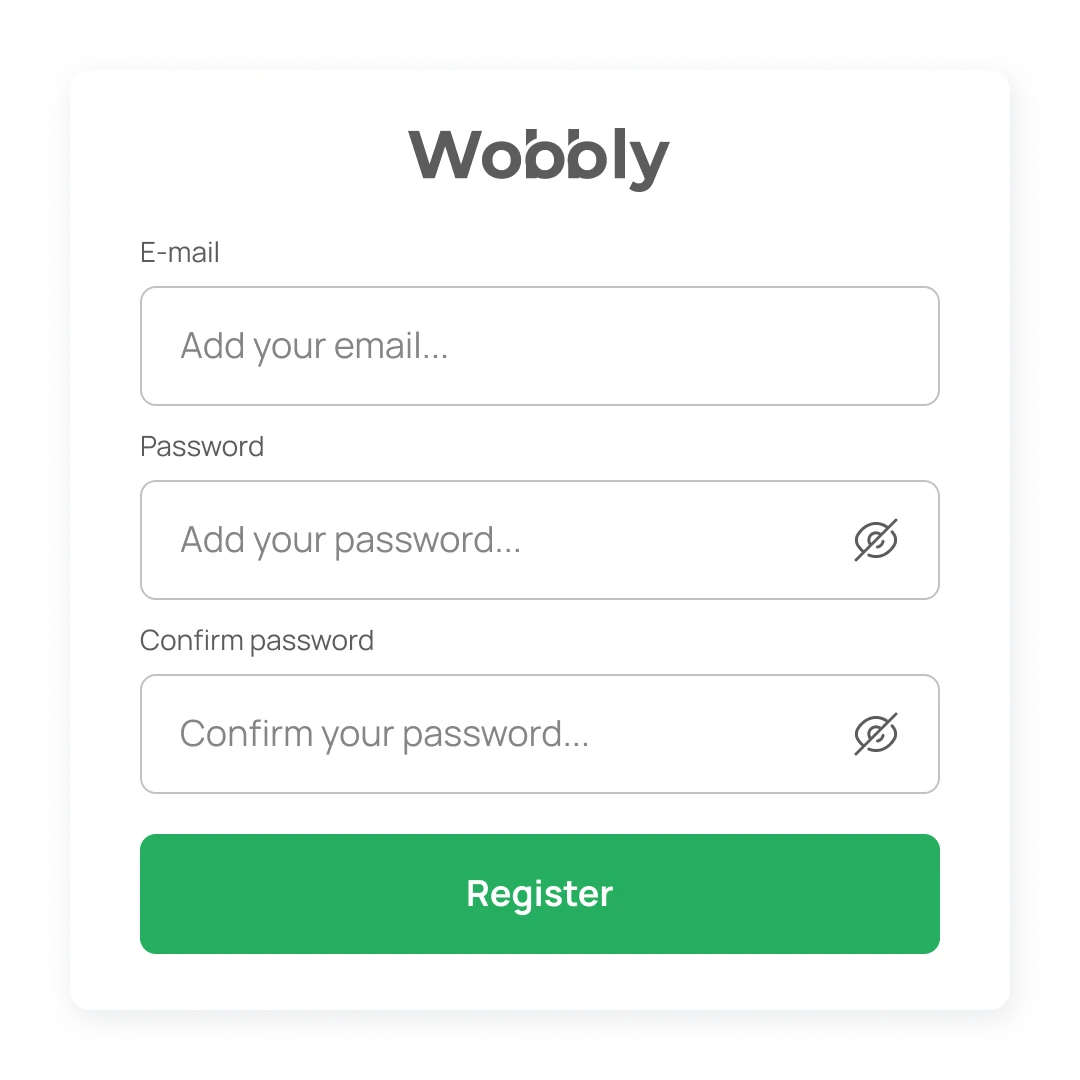
To create an account, you will need your email, and then the system prompts you to come up with a password. After making basic profile settings, you can access all software development time-tracking features.
Project creation
To start tracking time, you need to enter the projects you are working on. These can be personal or for the whole team. For convenience, create Teams and the Projects in them.
Use time tracker
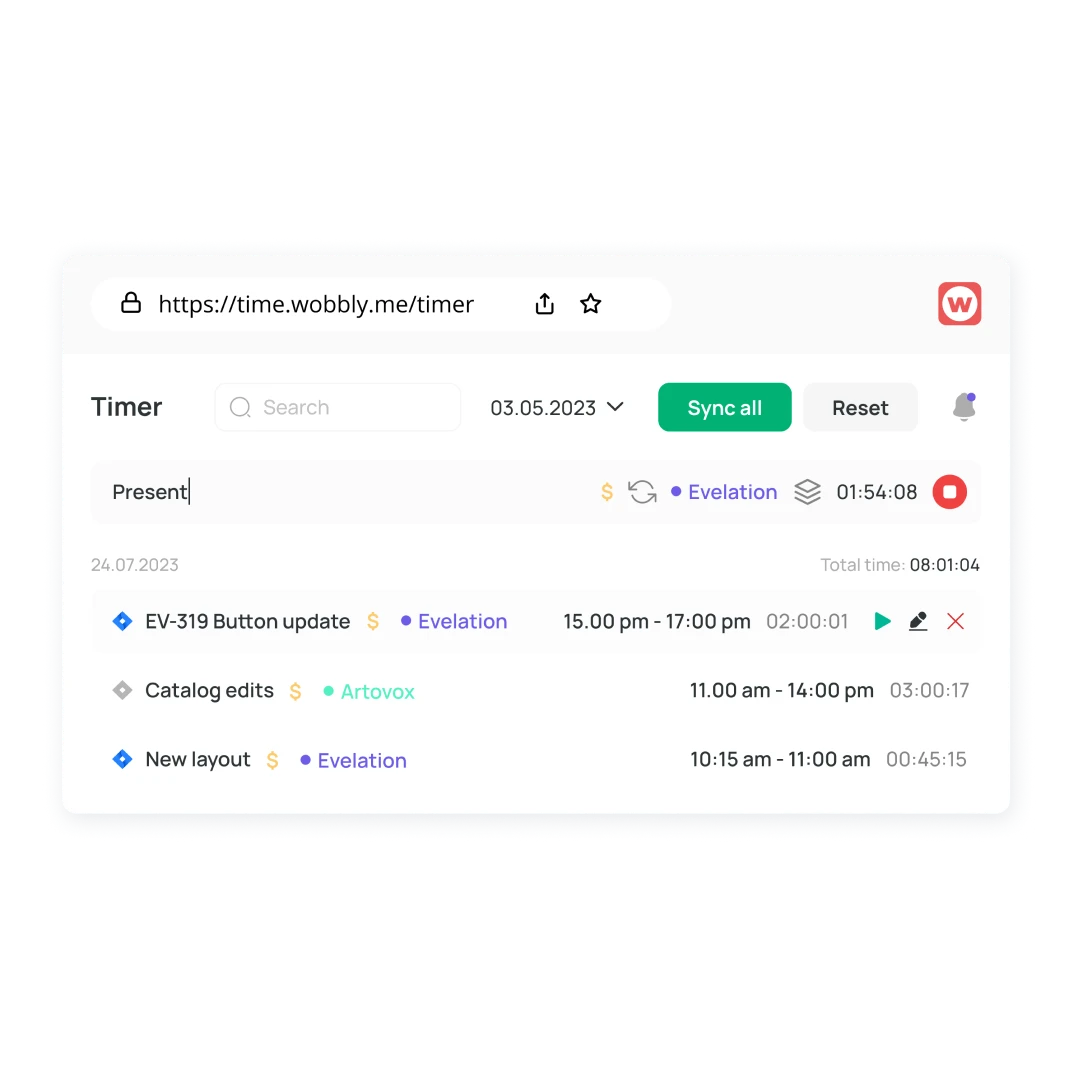
You can start the tracker with one click wherever you are. You need to enter a description of the task and select a project.
Use feature of integrations
There is no universal tool, so the Wobbly time tracker for developers can be synchronized with tasks in Trello or Jira, also with GitLab and GitHub.
Exporting reports
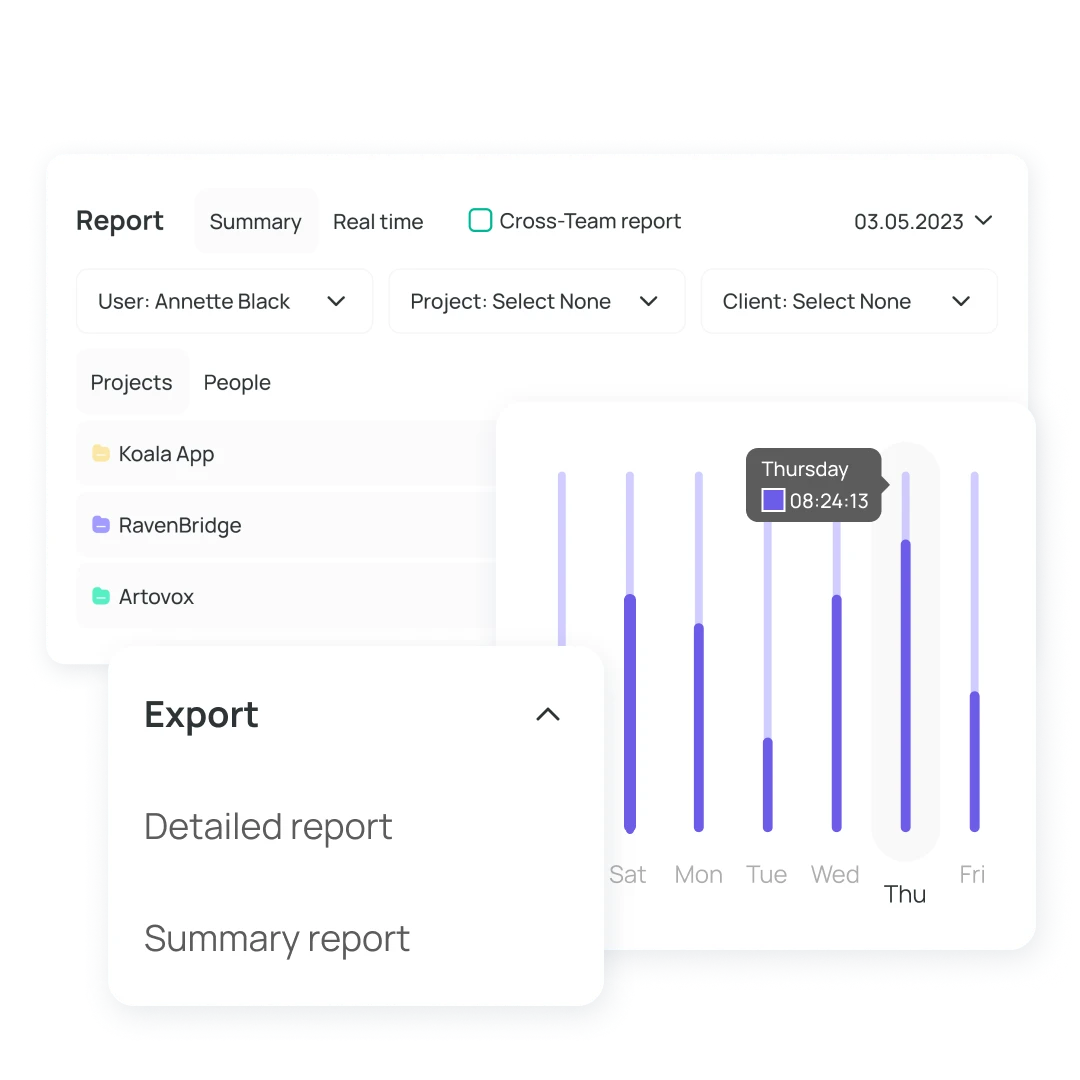
Keep all work tasks under control with clear tracking of employee time reporting. View reports by time, project, and team.

Functions time tracking software for employee

Many systems track how much time an employee spends on a task. They come in different types, but they all serve the same purpose: to help businesses manage their workforce more effectively. Each system has its advantages and disadvantages.

Turn on Timer and track billable and non-billible tasks

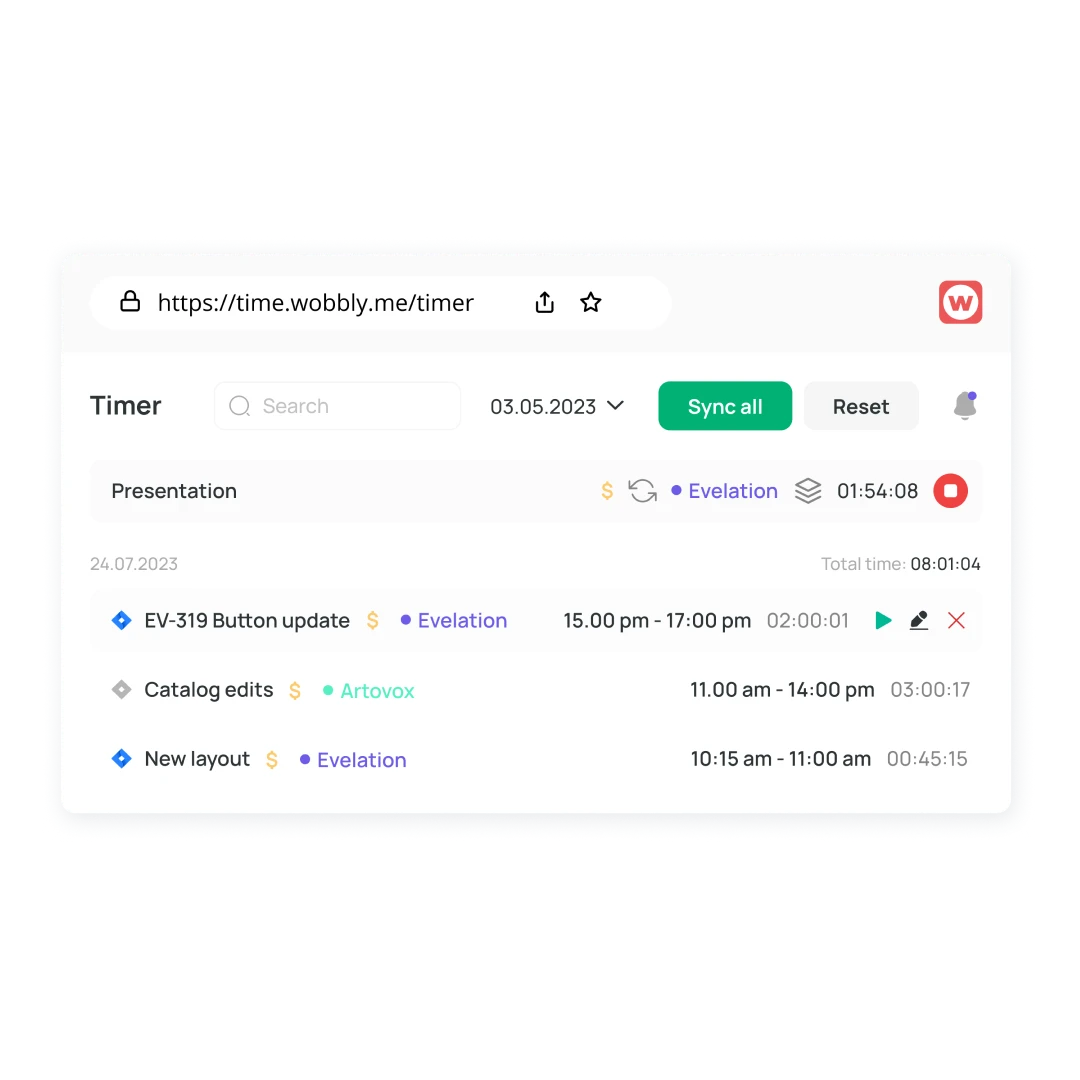
Install a special employee time-tracking app and run it to track time spent. Track the time and mark bill or no bill. After completion, stop the timer. And then, in reports, you will be able to count how much time was spent on the tasks in the project.

Viewing and editing personal records

After you stop the timer, you can edit your time entries. Change the description, project, and task start manually and end time. You can also use the employee time tracking app free Wobbly or the Google Chrome extension for convenience and reduction of your time.

Keep track of time from anywhere

Employee timekeeping has never been easier. You can use the Wobbly time tracker anywhere and anytime. Track time in Wobbly on your phone or laptop, register and try the browser extension. Start directly from where you work, e.g., GitHub, GitLab, Trello, Jira.

Track employee hours to plan activities

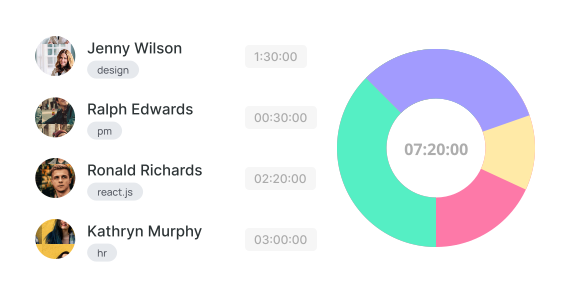
Look at how long this or that task takes, what projects you work on the most. How many hours you worked during the month. On which days you work the most, distribute your time more evenly. Businesses that carefully track employee hours and expenses can allocate resources and plan their activities more efficiently.

How to use automated time tracking software?

Log in to the employee
check-in app
Find Wobbly on the App Store or Google Play. Log in with your email address. You'll then access features like time recorder, resource planning, reporting, and invoicing.
Staff time tracker in work activities
After logging in, you can use the timer to perform tasks and monitor your own progress and that of your team.
Evaluate the productivity of employees
The activity of employees will constantly be before your eyes. You can intelligently distribute the workload among all team members and complete all tasks on time.
Generate reports with employee job tracking software
Convenient filters allow you to make reports on the work done by each employee on the project and send them to clients, as well as track each employee's progress.

Boost Your Productivity On-the-Go with Wobbly

Track your time with ease using Wobbly, the top app for individuals and teams. Accessible on iOS and Android, it provides a user-friendly interface.

No computer is required! Start the timer via the app or extension. Stay productive on the go.
Mobile App 
The tracker and reports are always handy.
Web App

Get reports, manage team resources, invoice clients.

Sign Up for Free
Browser extension

Run tracking from Trello or Jira directly or other tools.

What People Say about Wobbly

Sergii S.
Computer Software, 51-200 employees
«There are several benefits to using a time tracker, including the ability to keep track of what the.»
Source:
Kate M.
Computer Software, 51-200 employees
«Wobbly's Resource Planning feature has been managing our HR department more efficiently.»
Source:
Vitalii O.
Computer Software, 51-200 employees
«Integrating Jira, GitHub, and GitLab allows me to sync data between platforms easily.»
Source:
Sergii S.
Computer Software, 51-200 employees
«I recommend integrating Wobbly time tracker into your favorite business apps.»
Source:

Frequently asked questions

Which Types of Organizations Are Best Suited for Wobbly?

arrow_drop_down

The staff scheduling software works perfectly with any organization. Wobbly is the best solution for IT companies from the IT company. It is also suitable for freelancers, but Wobbly is more about management which is better for small and big companies than freelancers.

Why Is Wobbly the Best Choice for Employee Scheduling Software?

arrow_drop_down

Wobbly has all the necessary features for a superb team scheduling software. It is also easy to use and extremely user-friendly. And because of that, the adaptation period is simple as Wobbly has only the essential functions for successful management. Moreover, the price is the same for teams of all sizes. We don’t charge for members. The managers will also be glad as Wobbly makes it possible to automize routine tasks and focus on planning.

How Does a Staff Scheduling App Help My Business?

arrow_drop_down

With the help of simple staff scheduling software, it is possible to boost the productivity of your team and specialists individually, which leads to better performance. In the end, you can raise the check and bring the company to another level. All of this is possible because of the slightest changes and a free online employee scheduling tool.

What Are Other Helpful Time Tracking Tools from Wobbly?

arrow_drop_down

Besides the main features, Wobbly offers a Wobbly button extension that makes it possible to integrate the soft into Jira, GitLab, GitHub, and Trello. And there is also a mobile app, Wobbly time, available, which helps to track time from the smartphone and sends the data to the app and vice versa.

How Do I Create a Work Schedule for My Employees?

arrow_drop_down

Create a schedule based on the employees' workload to make sure everyone has enough work and doesn't overwork.

What Is Employee Scheduling Software?

arrow_drop_down

Workforce scheduling software is a simple tool that allows creating and managing employee schedules. Thus it is possible to dive deeper into other business processes and just check the way the team works on particular tasks and projects to make sure everything goes as planned.

Why Is Employee Scheduling Important?

arrow_drop_down

It is better to know how much time it takes to finish particular tasks, which makes it easier to price the work. It is also important to check the employees' workload so that everyone has enough work based on their skill set.

Why Choose Wobbly as Your Employee Scheduling App?

arrow_drop_down

Wobbly is a user-friendly minimalistic solution that has everything needed to run the projects and tasks, making sure the team performs great.

How Many Employees Can You Schedule with Wobbly?

arrow_drop_down

It is possible to track the workload and schedules of as many employees as there are in the company. No limits.

Find Out More About
Employee Scheduling Software

No items found.
Read more

Use Productivity Time Tracker Wobbly to Boost Your Business and Perfomance

Use Productivity Time Tracker Wobbly to Boost Your Business and Perfomance

Track worked hours
Get reports immediately
Plan team workload
Invoice clients