Kostenlose
Zeiterfassungserweiterung
für Mozilla Firefox

Ob du deine Produktivität steigern oder deine Zeit im Auge behalten möchtest — der einfache Firefox-Zeittracker Wobbly ist ein unverzichtbares Werkzeug für dich.

VERTRAUENSWÜRDIG VON
AriseHealth logo 2020INC logo The Paak logo Ephicient logo

Wie kann man die Zeit mit der Wobbly Firefox Extension erfassen?

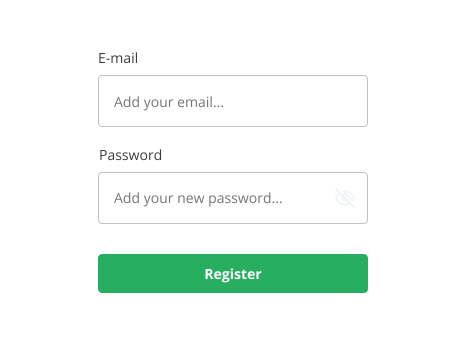
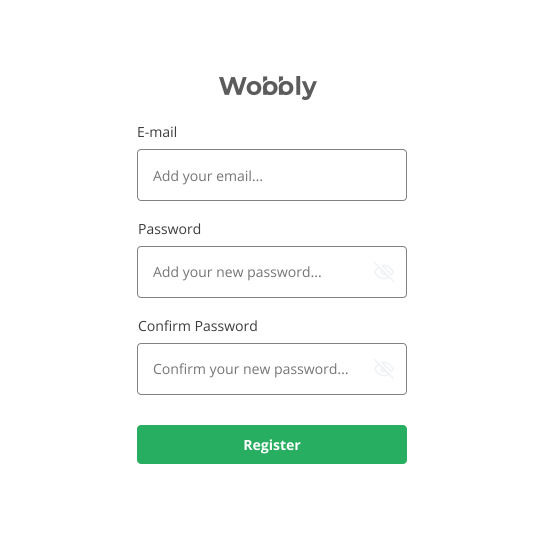
Register for Wobbly profile

Enter your email address and come up with a password. You'll then have access to the Firefox extension time tracker and the site's features, including timekeeping, resource scheduling, reporting, and billing. You'll also be able to use the Wobbly app.

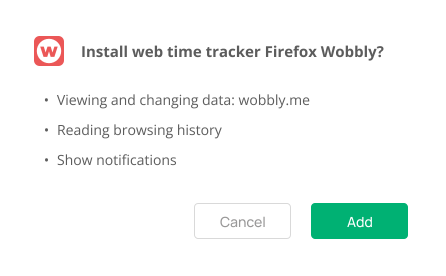
Install web time tracker Firefox Wobbly

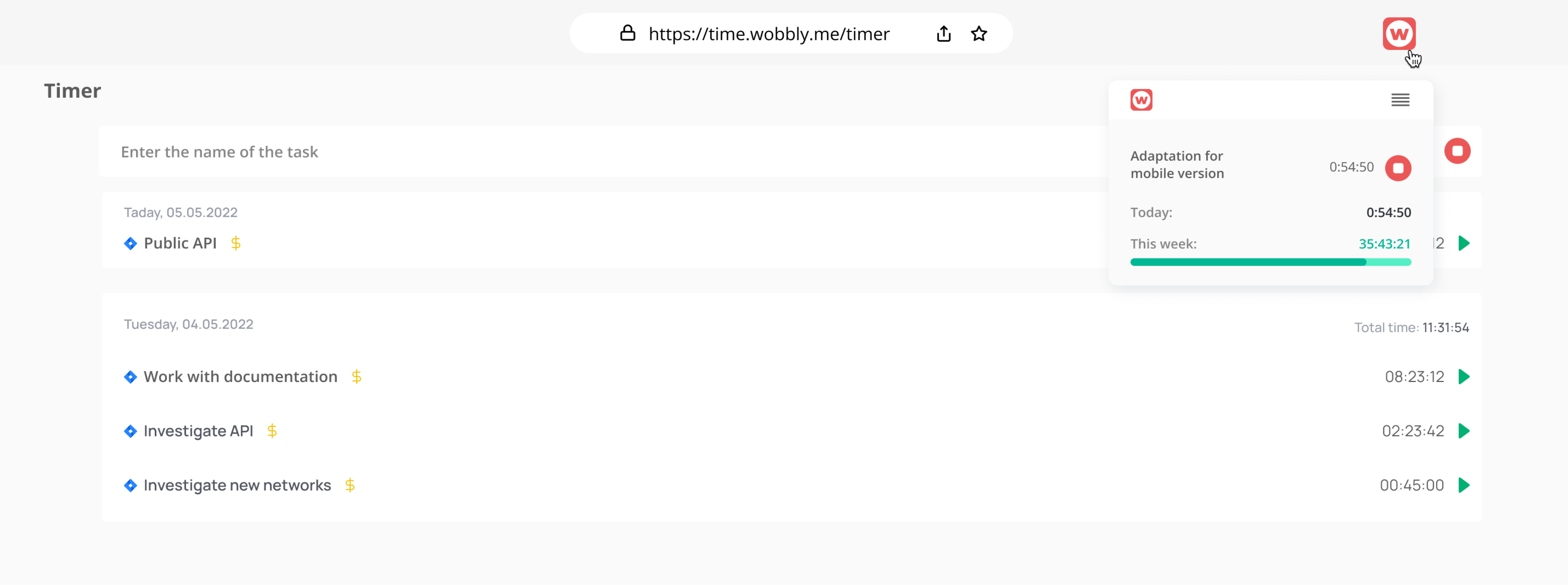
Go to the Firefox menu by clicking on the three parallel lines at the top right, click on «Extensions», and go to the «Add-ons Store» section. Find the Wobbly Firefox time tracker extension and just add it.

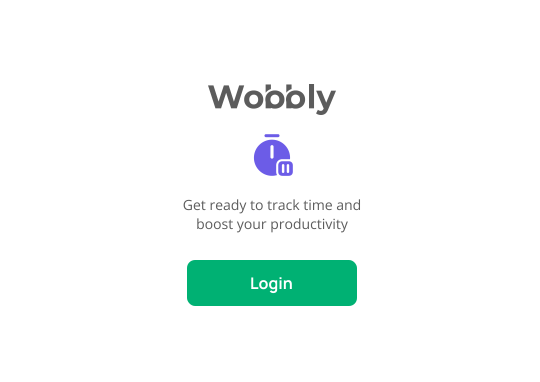
Sign in to your Wobbly profile

To start with the time tracker Firefox Wobbly, you need to log into your account and sync them with the extension. Enter your username or password and log in to your Wobbly profile. This will take less than a minute.

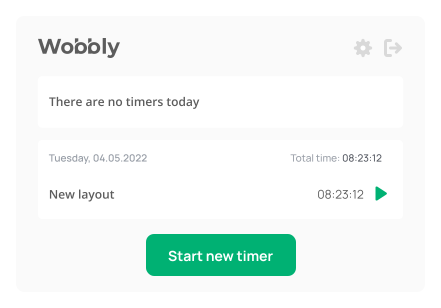
Run the timer

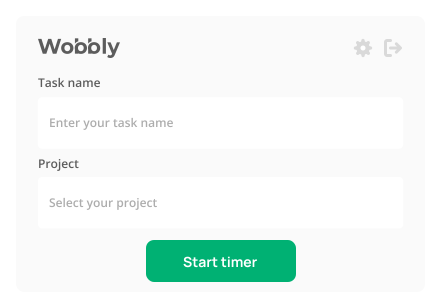
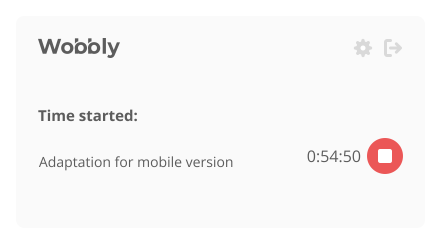
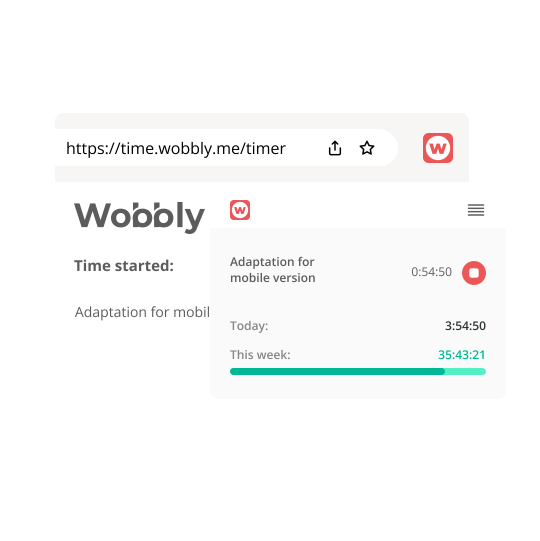
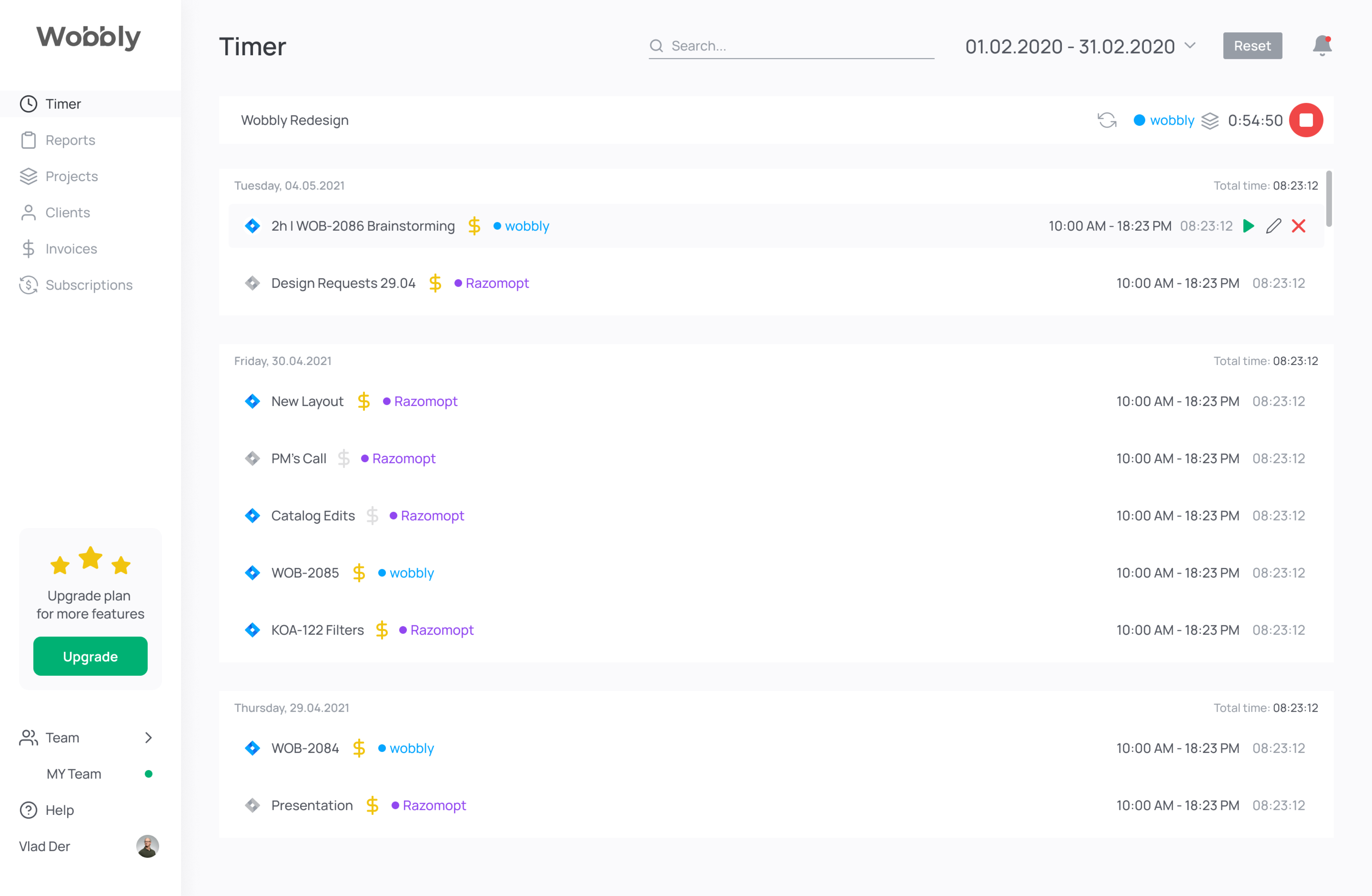
You can start the Firefox time tracking by pressing the «Start» button, then the timer will start.

Enter a description of task

When you start the Wobbly Firefox time tracker add-on, you need to enter a task name and select a project. The timer will then begin, and you will track your work activities.

Continue to track your time

You can change the entered data after the timer has stopped. Keep track with the Firefox time tracker plugin, and allocate your resources correctly.

Track time in other web applications

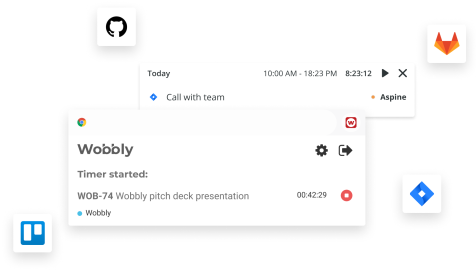
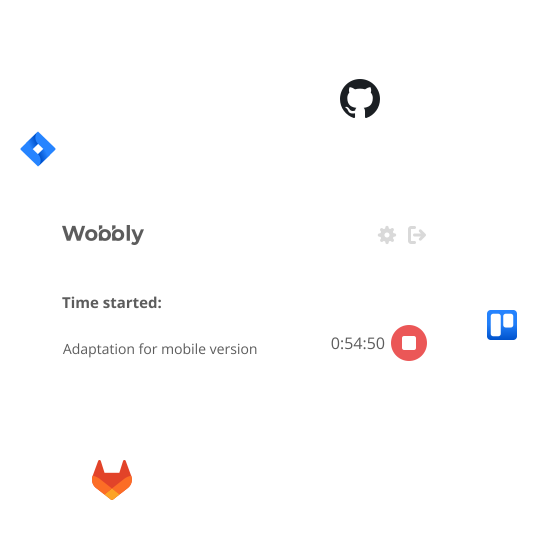
Use the features of your favorite working tools! Create a task in Jira, GitLab, GitHub, and Trello and synchronize its runtime with the Wobbly time tracker for Firefox, thanks to built-in integrations.

Create reports and manage projects

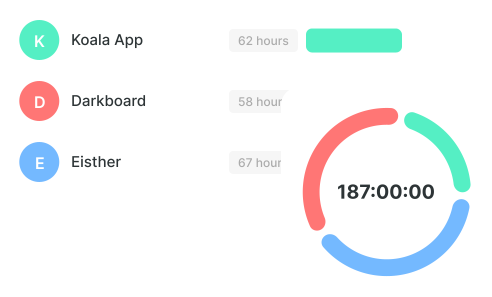
The Wobbly Firefox website time tracker allows you to distribute your workload between projects and tasks efficiently. A detailed report is available for planning work time in the future.

Firefox Time Tracker Erweiterung Vorteile

Einfache Bedienung
Wobbly bietet eine benutzerfreundliche Steuerung sowohl in der Web-Version als auch in der mobilen App, sodass alle Befehle in wenigen Klicks ausgeführt werden können.
Schnelle Verbindung
Die Registrierung bei Wobbly nimmt nicht viel Zeit in Anspruch, und das Programm speichert die gesamte Historie deiner Aktionen.
Automatische Synchronisierung
Alle Versionen des Wobbly-Zeitmanagementsystems für Mitarbeiter sind miteinander synchronisiert. Du kannst die Zeitverfolgung in einer Version beginnen und in einer anderen fortsetzen!
Nützliche Integrationen
Es gibt keine Einheitslösungen für Arbeitswerkzeuge. Nutze daher die Wobbly-Integrationen mit Jira, GitLab, GitHub und Trello, um deine Arbeit zu vereinfachen.

Zusätzliche Funktionen von Wobbly

Grundlegende Funktionen der Wobbly-Zeiterfassung

App für Zeiterfassung: Teile die Zeit zwischen Projekten auf, plane die Arbeitsbelastung deines Teams, sende Berichte und Rechnungen an Kunden mit Wobbly.

Zeiterfassungs-App

Verfolge die Zeit, die du auf Websites in Firefox oder bei Aufgaben verbringst, und sieh, wie lange es dauert, Projekte mit der Wobbly-Software abzuschließen.
Ressourcen-disposition

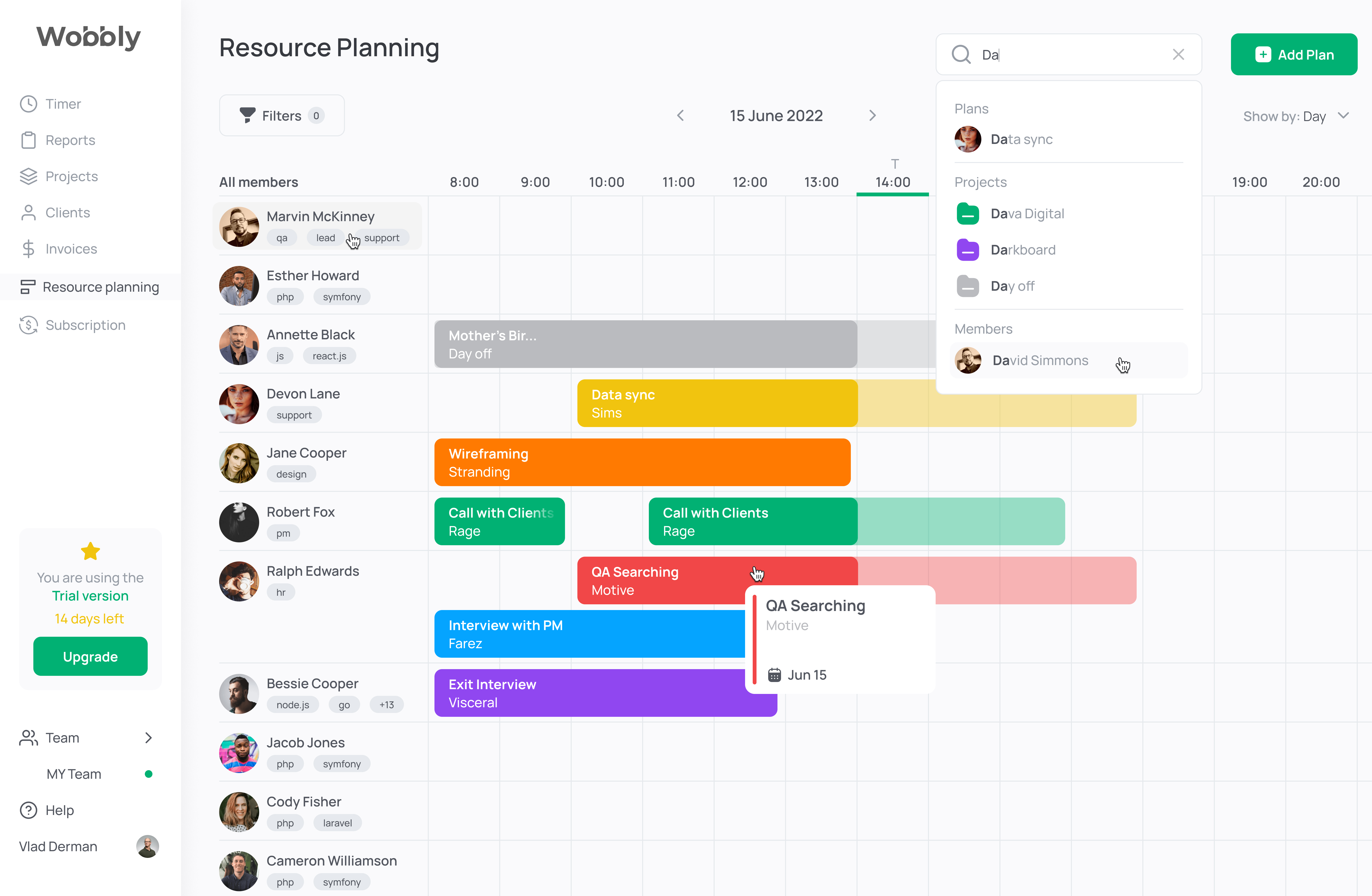
Das Teamplanung-Tool von Wobbly ermöglicht es dir, die Arbeitsbelastung deiner Mitarbeiter effektiv zwischen Projekten und Aufgaben zu verteilen.

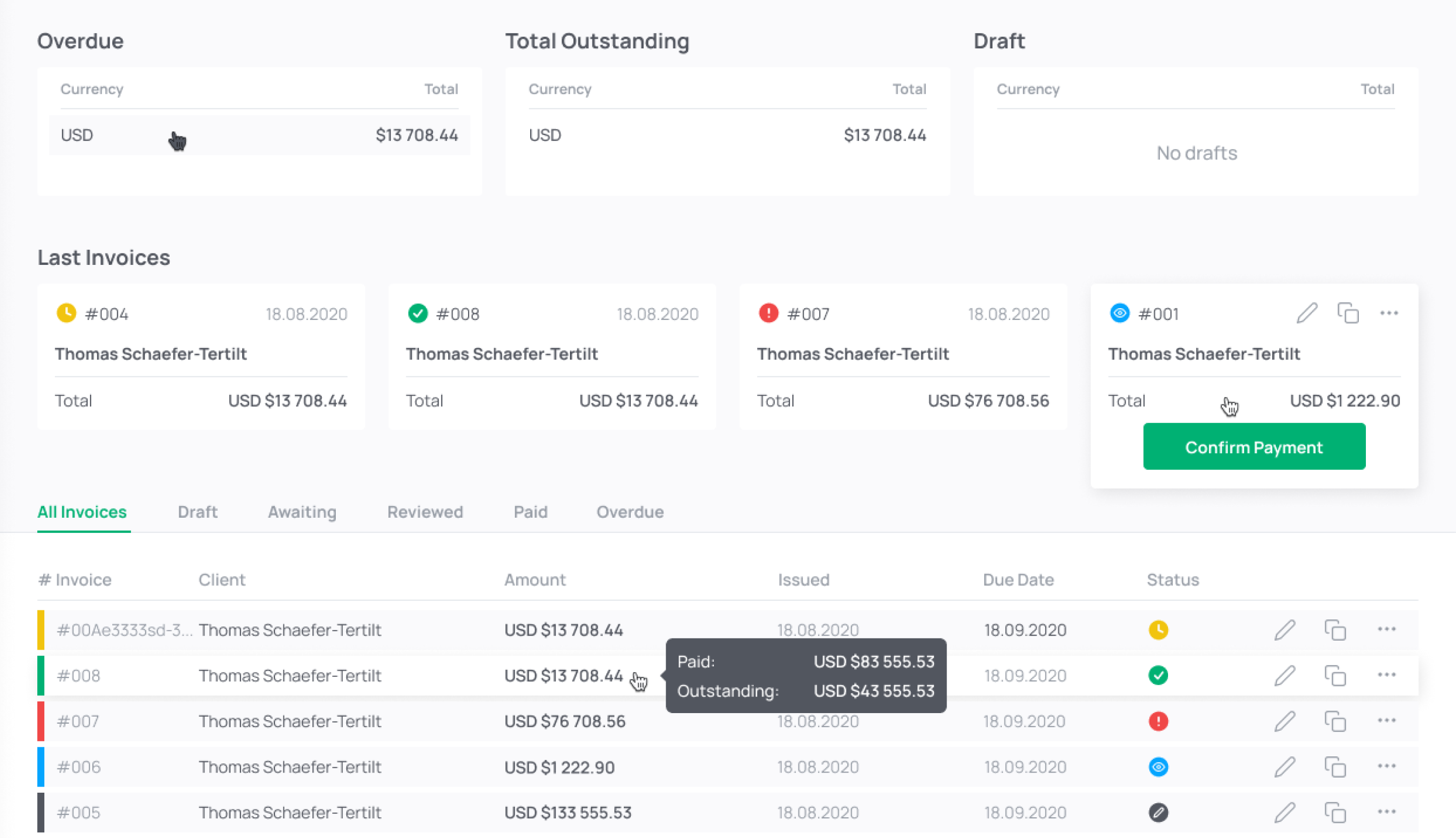
Zeit und Abrechnung

Die Wobbly Zeiterfassungs- und Abrechnungssoftware erstellt einen Bericht in wenigen Klicks. Bequeme Filter ermöglichen das Anzeigen der gesamten Rechnungshistorie.
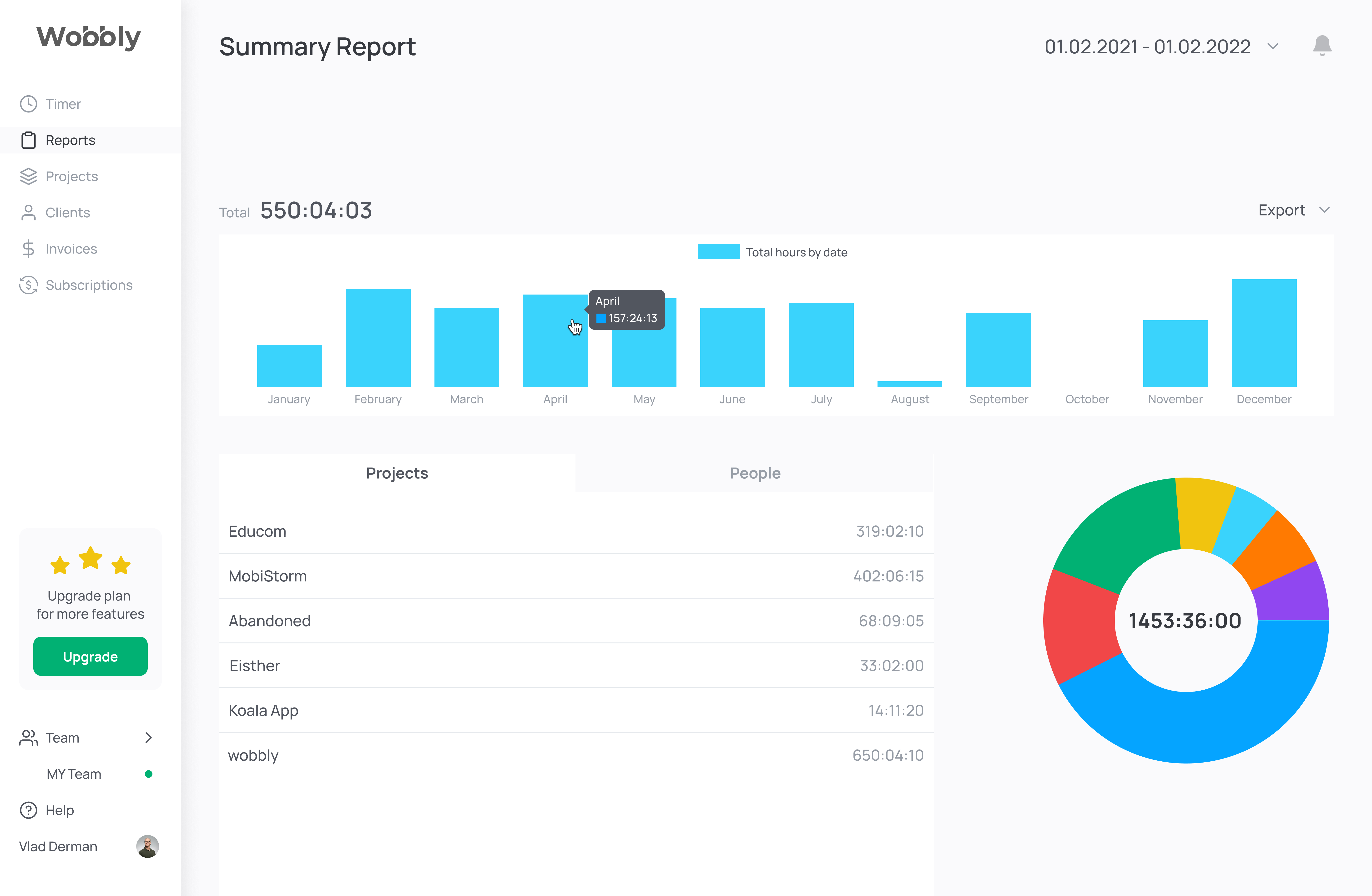
Zeitmessungs-Berichtstool

Das Wobbly-Zeitbericht-Tool ermöglicht es dir, die auf ein Projekt aufgewendete Zeit zu schätzen und dir zu helfen, zukünftige Projekte rechtzeitig zu planen und abzuschließen.

Personalplanungssoftware-Integration

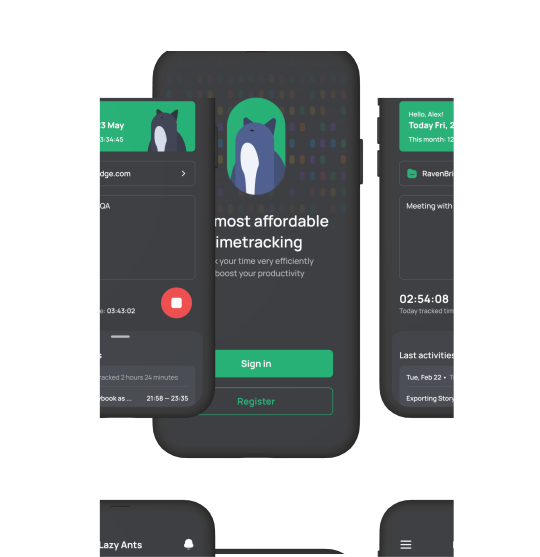
Wobbly ist die beste Zeiterfassungs-App für Berater, die Sie über ein mobiles Gerät aufrufen können. Die App bietet iOS- und Android-Nutzern eine benutzerfreundliche Oberfläche, die einfach zu navigieren ist.

Um die Mitarbeiterplanungssoftware Wobbly zu starten, ist kein Computer erforderlich. Verwenden Sie die Erweiterung oder die App, um den Timer zu starten.
Mobile App 
Der Tracker und die Berichte sind immer griffbereit.
Web App

Berichte erhalten, Team-Ressourcen verwalten, Kundenrechnungen erstellen.

Melde dich kostenlos an
Browsererweiterung

Verfolgung direkt aus Trello oder Jira oder anderen Tools starten.

Finde heraus, was unsere Kunden über unsere Zeiterfassungssoftware sagen

Sergii S.
Computer Software, 51-200 employees
«There are several benefits to using a time tracker, including the ability to keep track of what the.»
Source:
Kate M.
Computer Software, 51-200 employees
«Wobbly's Resource Planning feature has been managing our HR department more efficiently.»
Source:
Vitalii O.
Computer Software, 51-200 employees
«Integrating Jira, GitHub, and GitLab allows me to sync data between platforms easily.»
Source:
Sergii S.
Computer Software, 51-200 employees
«I recommend integrating Wobbly time tracker into your favorite business apps.»
Source:

Frequently asked questions

Which Types of Organizations Are Best Suited for Wobbly?

arrow_drop_down

The staff scheduling software works perfectly with any organization. Wobbly is the best solution for IT companies from the IT company. It is also suitable for freelancers, but Wobbly is more about management which is better for small and big companies than freelancers.

Why Is Wobbly the Best Choice for Employee Scheduling Software?

arrow_drop_down

Wobbly has all the necessary features for a superb team scheduling software. It is also easy to use and extremely user-friendly. And because of that, the adaptation period is simple as Wobbly has only the essential functions for successful management. Moreover, the price is the same for teams of all sizes. We don’t charge for members. The managers will also be glad as Wobbly makes it possible to automize routine tasks and focus on planning.

How Does a Staff Scheduling App Help My Business?

arrow_drop_down

With the help of simple staff scheduling software, it is possible to boost the productivity of your team and specialists individually, which leads to better performance. In the end, you can raise the check and bring the company to another level. All of this is possible because of the slightest changes and a free online employee scheduling tool.

What Are Other Helpful Time Tracking Tools from Wobbly?

arrow_drop_down

Besides the main features, Wobbly offers a Wobbly button extension that makes it possible to integrate the soft into Jira, GitLab, GitHub, and Trello. And there is also a mobile app, Wobbly time, available, which helps to track time from the smartphone and sends the data to the app and vice versa.

How Do I Create a Work Schedule for My Employees?

arrow_drop_down

Create a schedule based on the employees' workload to make sure everyone has enough work and doesn't overwork.

What Is Employee Scheduling Software?

arrow_drop_down

Workforce scheduling software is a simple tool that allows creating and managing employee schedules. Thus it is possible to dive deeper into other business processes and just check the way the team works on particular tasks and projects to make sure everything goes as planned.

Why Is Employee Scheduling Important?

arrow_drop_down

It is better to know how much time it takes to finish particular tasks, which makes it easier to price the work. It is also important to check the employees' workload so that everyone has enough work based on their skill set.

Why Choose Wobbly as Your Employee Scheduling App?

arrow_drop_down

Wobbly is a user-friendly minimalistic solution that has everything needed to run the projects and tasks, making sure the team performs great.

How Many Employees Can You Schedule with Wobbly?

arrow_drop_down

It is possible to track the workload and schedules of as many employees as there are in the company. No limits.

Find Out More About
Employee Scheduling Software

No items found.
Read more

Use Productivity Time Tracker Wobbly to Boost Your Business and Perfomance

Probier den besten Firefox Timer Produktivitätstrecker aus!

Verfolgen Sie gearbeitete Stunden
Erhalten Sie sofort Berichte
Planen Sie die Arbeitsbelastung des Teams
Rechnen Sie Kunden ab