Salesforce Time Tracking App

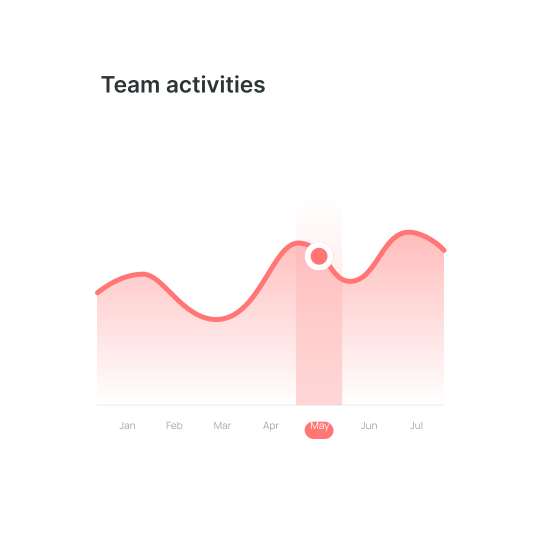
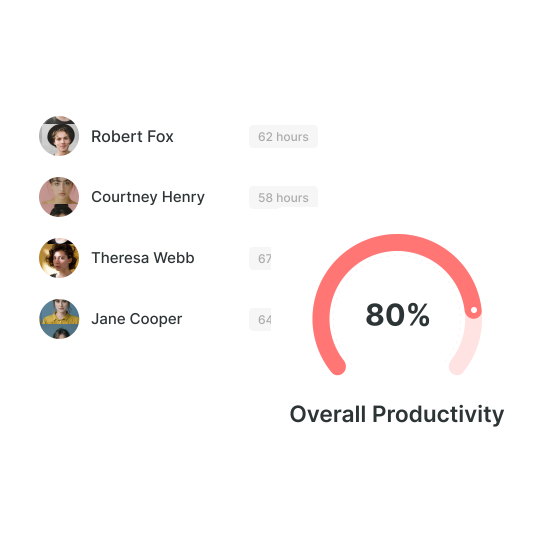
Quickly analyze performance trends, and get reports on your team's productivity. With one click, track time spent on tasks directly from Salesforce. All tasks will sync automatically.


Sign Up for Free
No credit card needed ✦ Unlimited users on Free plan
Trusted by
AriseHealth logo 2020INC logo The Paak logo Ephicient logo

How to Track Time with Wobbly?

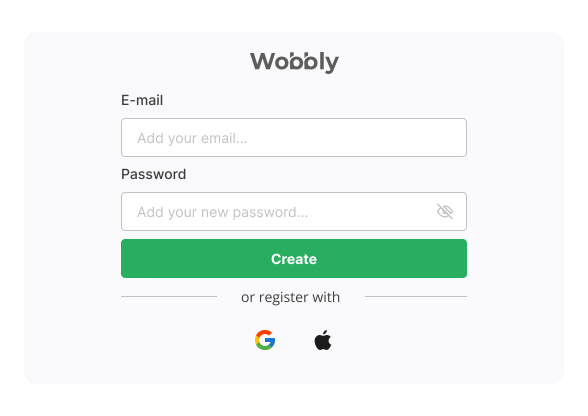
Create a Wobbly account for time tracking Salesforce

Provide your email, set a password, and click «Create Account» Once you do, you'll unlock various features, including a free time recording app, invoice generator, resource planning, and reporting capabilities.

Add the Wobbly time tracking extension to Chrome browser

To find the Wobbly extension on Chromebook, add it. Then you'll see a confirmation pop-up, and you should select «Add extension» to complete the installation. After syncing, your accounts use the time tracker Salesforce.

Run Salesforce tracker

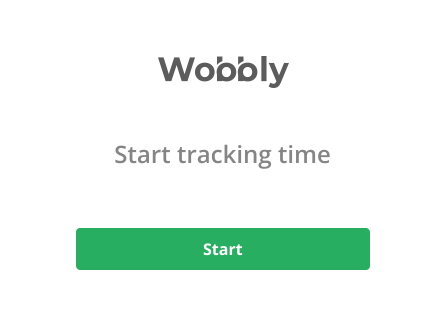
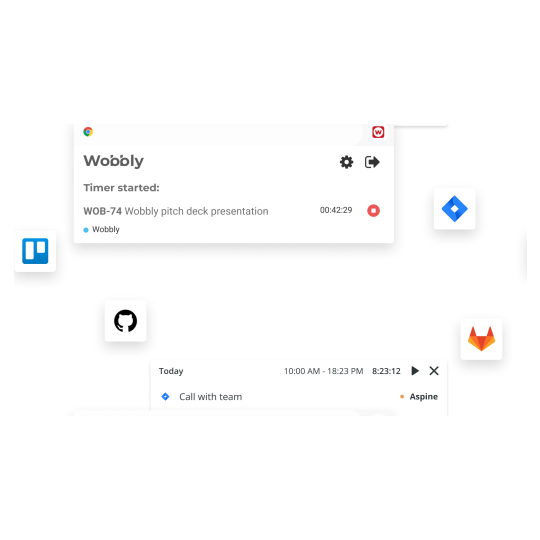
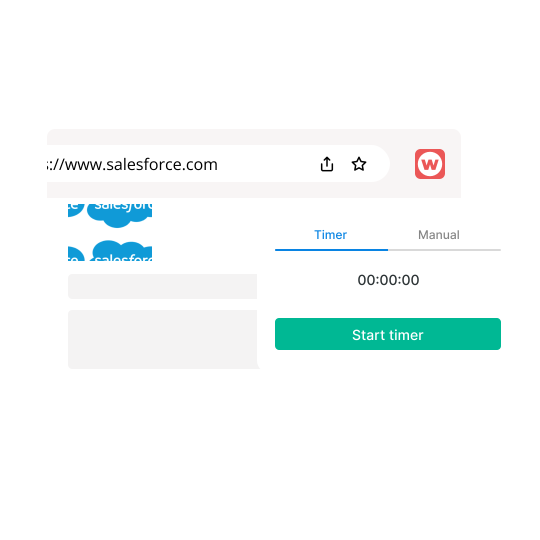
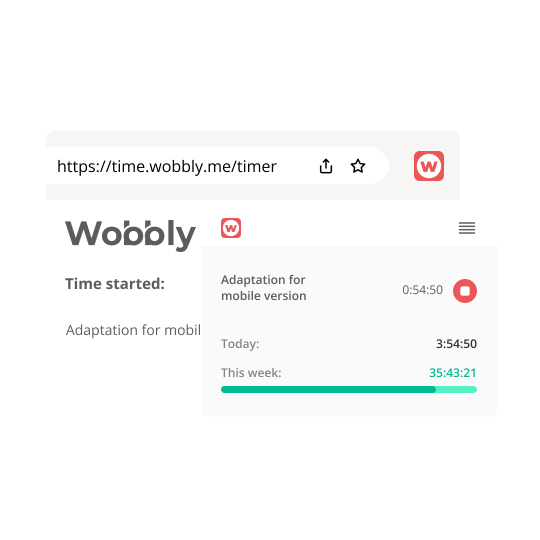
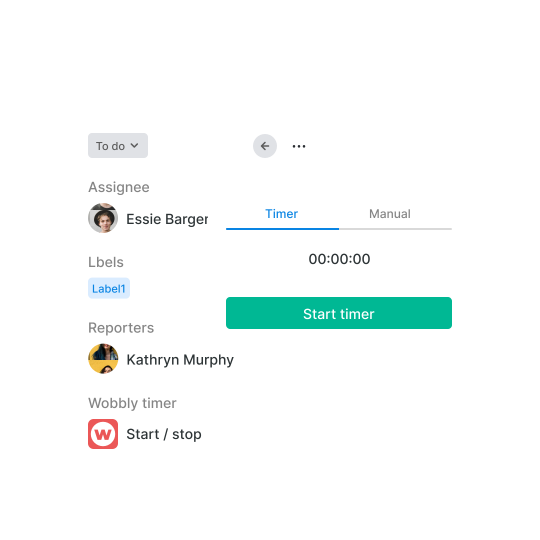
Access the scheduling software for workforce Wobbly by entering your username and password. Upon logging in, click the start button to activate the work timer on Chrome, and it will immediately start tracking your time.

Use tracked time in Salesforce to report and measure progress

The Wobbly Time Reporting makes a project timeline progress, enabling you to assess team performance at a glance. Moreover, you can generate real-time reports that you can send to your clients.

Benefits of tracking Salesforce with Wobbly

Improved sales management
Effective sales management involves controlling and coordinating team activities, monitoring team performance, and meeting goals. With the right management tools and strategies, companies can improve their sales processes, increase revenues and gain a competitive edge.
Salesforce tracking for a precise amount of time spent
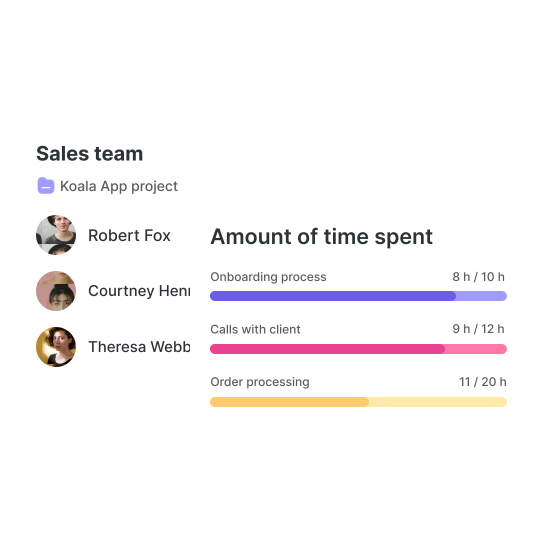
Time tracking Salesforce helps businesses identify areas where the sales team needs improvement. Additionally, sales managers can better understand how much time their team is dedicating to each client, project, or task for allocating resources effectively.
Time tracking in Salesforce contributes to dynamic task allocation
By analyzing how much time employees spend on specific tasks and projects, managers can identify which employees excel in particular areas and allocate tasks accordingly. This can optimize team performance and ensure tasks are assigned to those with relevant skills and experience.
Use favorite tools you need for work
Take full advantage of Wobbly and Salesforce time tracking. Wobbly can synchronize with Jira, Trello, GitLab, and GitHub automatically. Start the timer from any working tool, and the program calculates the hours worked. This is very convenient for teams of any size and freelancers.

Automated team control dashboard
Increased visibility into team performance allows for more informed decision-making. With a dashboard, you'll track and manage resources more effectively, saving time while automating routine tasks such as data collection and analysis.

How to use Wobbly time tracking tool?

Start Salesforce time tracking immediately

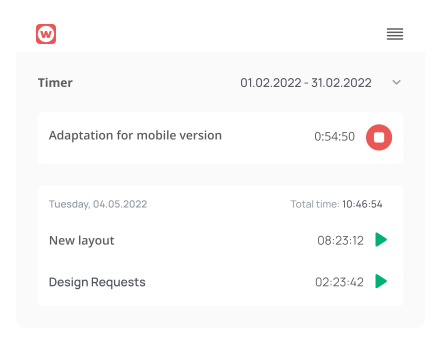
You'll start tracking time directly from within the Salesforce app without the hassle. With Salesforce Tracker, you can accurately track time spent on various tasks and improve overall productivity.

Use time in Salesforce for generating reports

The time reports tool has useful filters that enable you to generate reports on individual employees' work on a project and share them with clients. Additionally, you can track each team member's progress to ensure everything is on track and within schedule.

Salesforce time management system

Dashboard for tracking time Salesforce

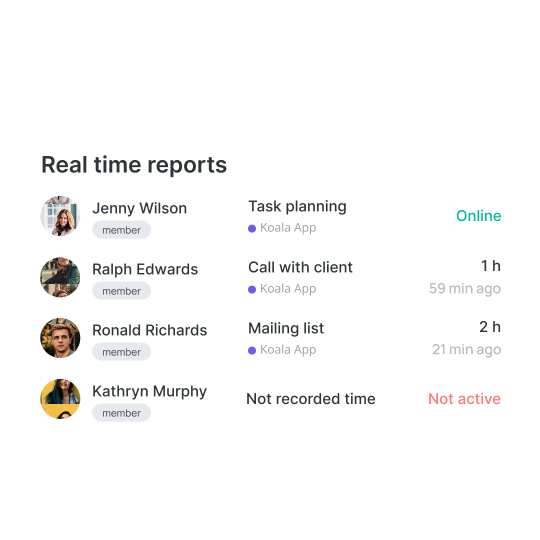
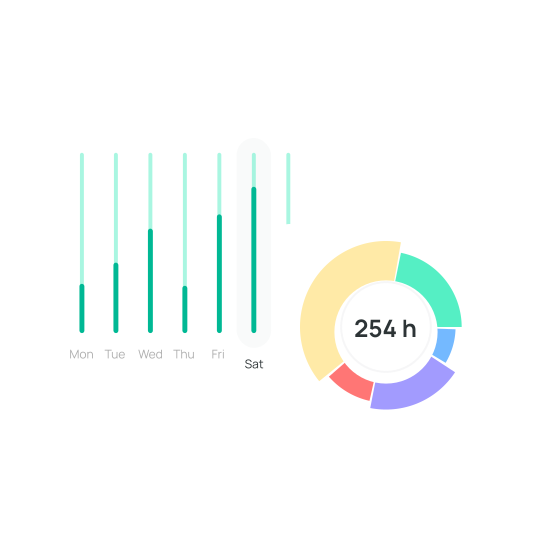
With the time reporting tool Wobbly, you can benefit from real-time reports that provide insights into your team's workload and the specific tasks and projects they are working on. All time worked is synchronized and summarized by day, week, month, and year, allowing for easy analysis of historical data and better load planning.

Invoice billable & non-billable times

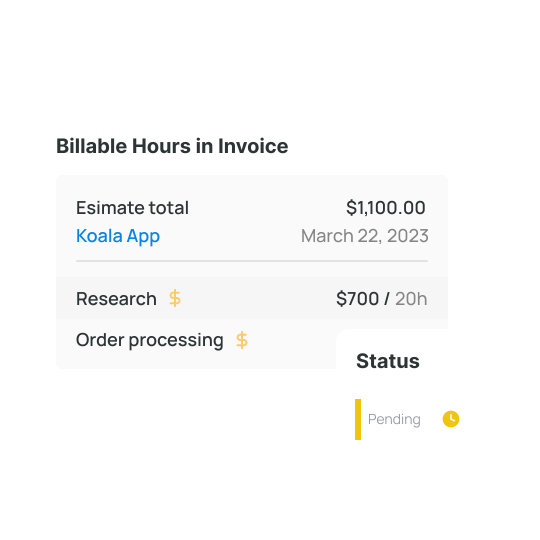
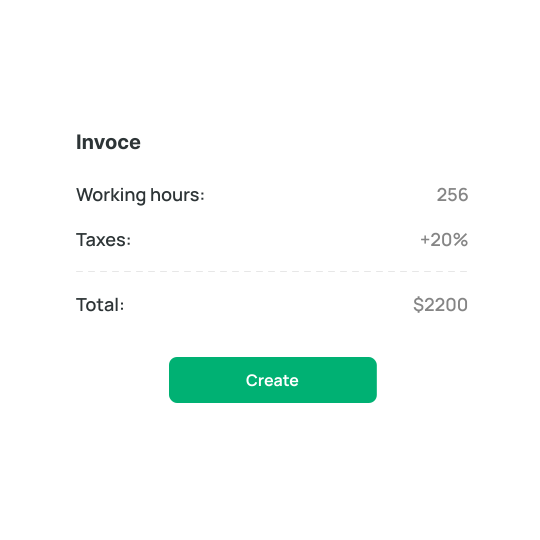
With the Time invoicing feature, you can track billable and non-billable time and easily create invoices. Invoices can be saved as drafts or duplicated, and you can follow their status. When an invoice is sent, it will be in pending payment status. You will also see when the customer has viewed the email.

Make notes in Salesforce task and use team access

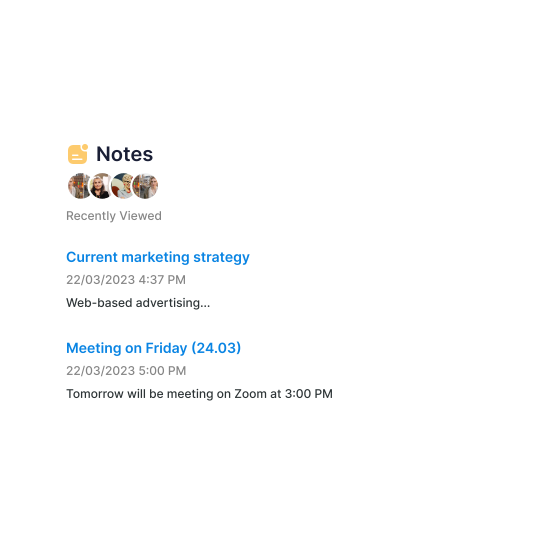
Salesforce task work notes are comments or notes added to a task to document progress or provide additional information. They allow for communication with team members and provide a record of the work done on a task. Work notes can be viewed by anyone with access to the task, making them a valuable tool for collaboration and information sharing within a team.

Main functions of time tracking software for Salesforce

Detailed visualization and reports
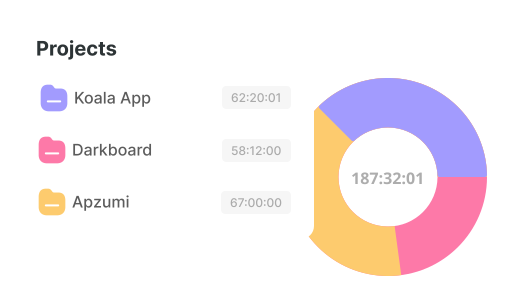
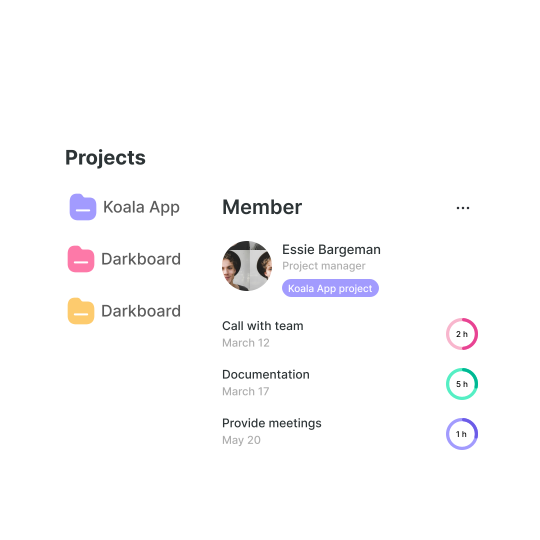
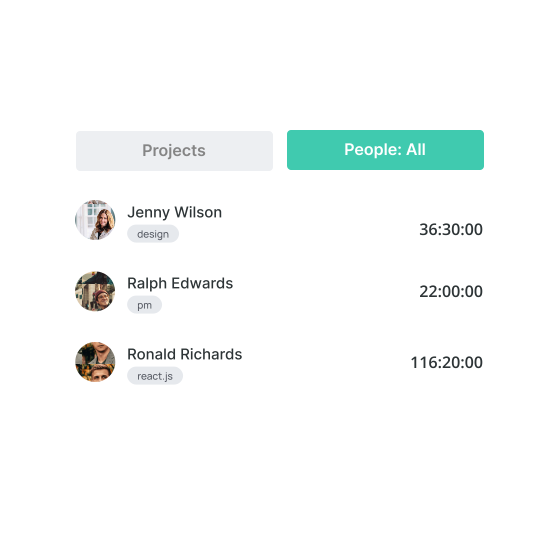
The time reporting feature is crucial for assessing team performance. It provides summary reports on all projects after Salesforce tracking, regardless of which team handles them. Reports can be viewed across all teams and their respective projects. Additionally, it allows you to examine an individual's performance by reviewing their daily workload, projects, and tasks.
Time Recording App in Browser
The Wobbly Browser Extension is a free tool for tracking your online activity. It enables you to set a timer for any task and receive notifications on your progress. With the Wobbly time recording app, you can easily focus on your tasks and maintain productivity.
Easy monitoring of Salesforce workload
Time spent on tasks is summarized and synchronized in a single report in your profile. It doesn't matter if you start the timer from your computer or phone. Put the start button in Jira or Salesforce tracker — the time will be counted automatically.
Fast invoice creation
With the free invoice generator Wobbly, you can create bills based on data of time tracking in Salesforce. This feature allows you to monitor the status of your invoices; for example, invoices will remain on hold until the recipient opens them. Convenient filters also make it easy to review your entire invoice history.

Boost Your Productivity On-the-Go with Wobbly

Track your time with ease using Wobbly, the top app for individuals and teams. Accessible on iOS and Android, it provides a user-friendly interface.

No computer is required! Start the timer via the app or extension. Stay productive on the go.

Mobile App 
The tracker and reports are always handy.
Web App

Get reports, manage team resources, invoice clients.

Sign Up for Free
Browser extension

Run tracking from Trello or Jira directly or other tools.

What People Say

Sergii S.
Computer Software, 51-200 employees
«There are several benefits to using a time tracker, including the ability to keep track of what the.»
Source:
Kate M.
Computer Software, 51-200 employees
«Wobbly's Resource Planning feature has been managing our HR department more efficiently.»
Source:
Vitalii O.
Computer Software, 51-200 employees
«Integrating Jira, GitHub, and GitLab allows me to sync data between platforms easily.»
Source:
Sergii S.
Computer Software, 51-200 employees
«I recommend integrating Wobbly time tracker into your favorite business apps.»
Source:

Frequently asked questions

Which Types of Organizations Are Best Suited for Wobbly?

arrow_drop_down

The staff scheduling software works perfectly with any organization. Wobbly is the best solution for IT companies from the IT company. It is also suitable for freelancers, but Wobbly is more about management which is better for small and big companies than freelancers.

Why Is Wobbly the Best Choice for Employee Scheduling Software?

arrow_drop_down

Wobbly has all the necessary features for a superb team scheduling software. It is also easy to use and extremely user-friendly. And because of that, the adaptation period is simple as Wobbly has only the essential functions for successful management. Moreover, the price is the same for teams of all sizes. We don’t charge for members. The managers will also be glad as Wobbly makes it possible to automize routine tasks and focus on planning.

How Does a Staff Scheduling App Help My Business?

arrow_drop_down

With the help of simple staff scheduling software, it is possible to boost the productivity of your team and specialists individually, which leads to better performance. In the end, you can raise the check and bring the company to another level. All of this is possible because of the slightest changes and a free online employee scheduling tool.

What Are Other Helpful Time Tracking Tools from Wobbly?

arrow_drop_down

Besides the main features, Wobbly offers a Wobbly button extension that makes it possible to integrate the soft into Jira, GitLab, GitHub, and Trello. And there is also a mobile app, Wobbly time, available, which helps to track time from the smartphone and sends the data to the app and vice versa.

How Do I Create a Work Schedule for My Employees?

arrow_drop_down

Create a schedule based on the employees' workload to make sure everyone has enough work and doesn't overwork.

What Is Employee Scheduling Software?

arrow_drop_down

Workforce scheduling software is a simple tool that allows creating and managing employee schedules. Thus it is possible to dive deeper into other business processes and just check the way the team works on particular tasks and projects to make sure everything goes as planned.

Why Is Employee Scheduling Important?

arrow_drop_down

It is better to know how much time it takes to finish particular tasks, which makes it easier to price the work. It is also important to check the employees' workload so that everyone has enough work based on their skill set.

Why Choose Wobbly as Your Employee Scheduling App?

arrow_drop_down

Wobbly is a user-friendly minimalistic solution that has everything needed to run the projects and tasks, making sure the team performs great.

How Many Employees Can You Schedule with Wobbly?

arrow_drop_down

It is possible to track the workload and schedules of as many employees as there are in the company. No limits.

Find Out More About
Employee Scheduling Software

No items found.
Read more

Use Productivity Time Tracker Wobbly to Boost Your Business and Perfomance

Track worked hours
Get reports immediately
Plan team workload
Invoice clients

Use Productivity Time Tracker Wobbly to Boost Your Business and Perfomance