Time Tracking and Billing Software

Your all-in-one solution for time tracking and billing.
Start tracking for free
No credit card needed   ✦   Unlimited users on Free plan
Trusted by
AriseHealth logo 2020INC logo The Paak logo Ephicient logo

Time Tracking and Billing Software Importance

Add Details to Invoice

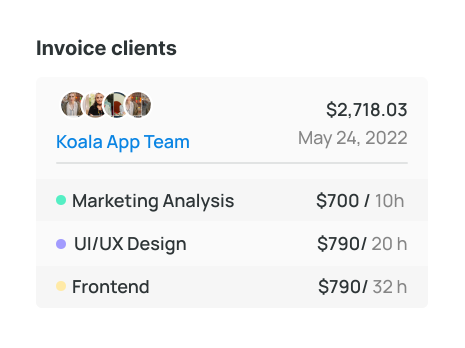
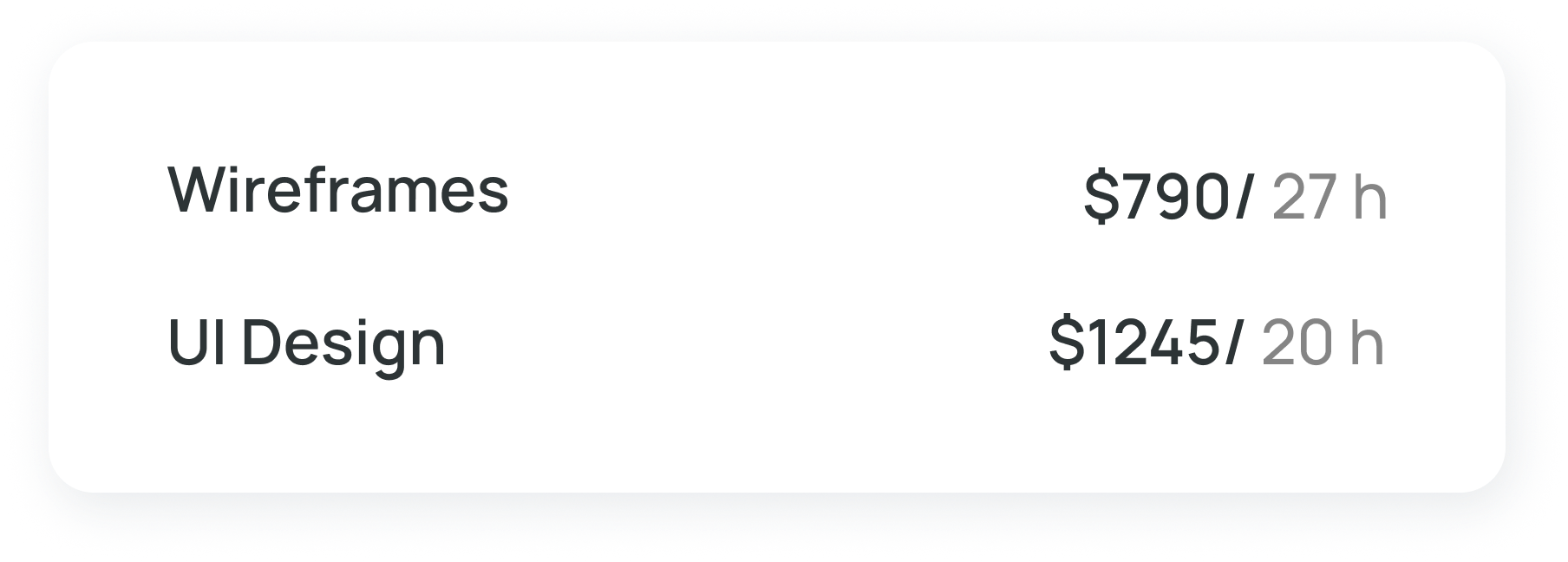
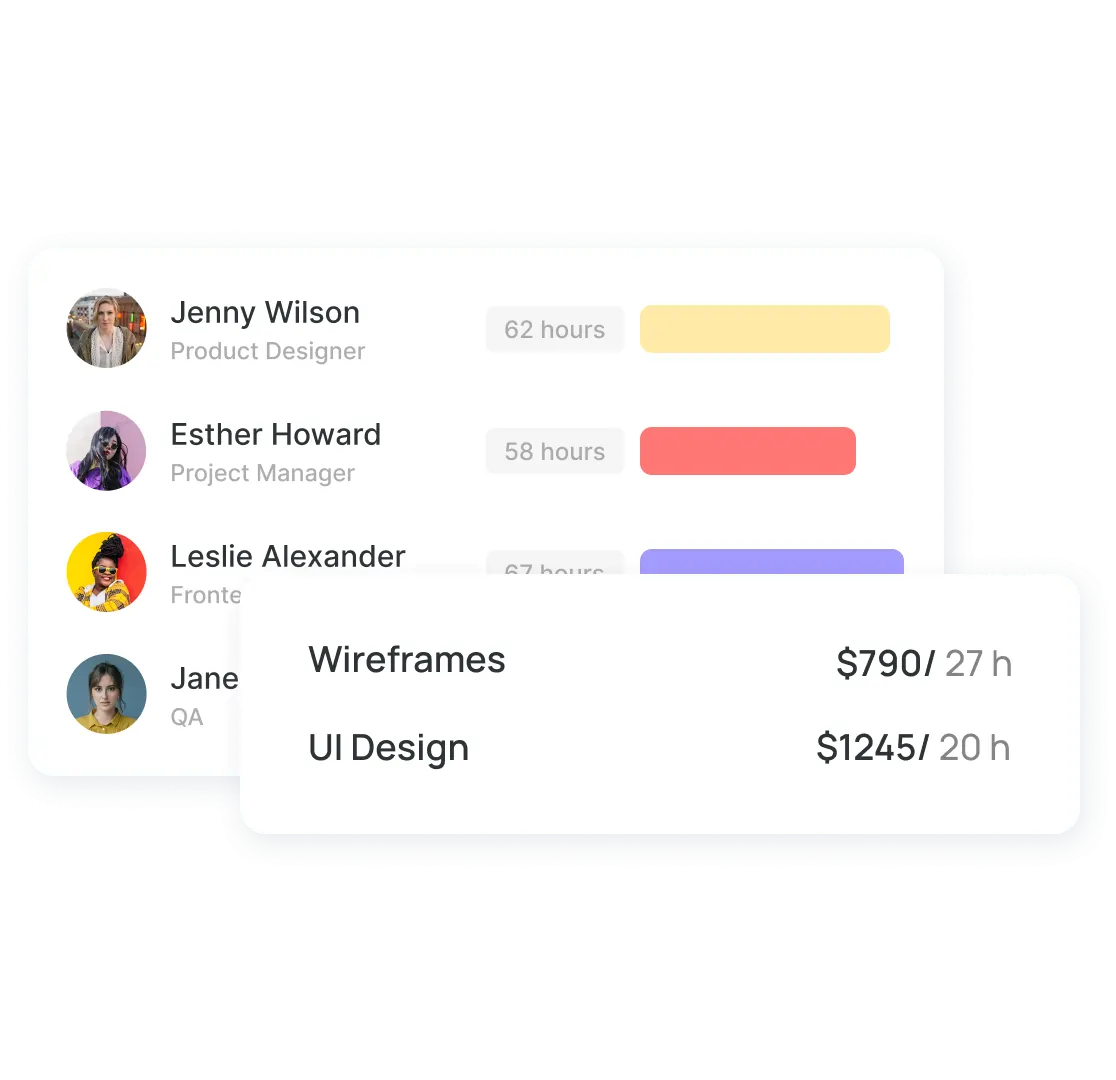
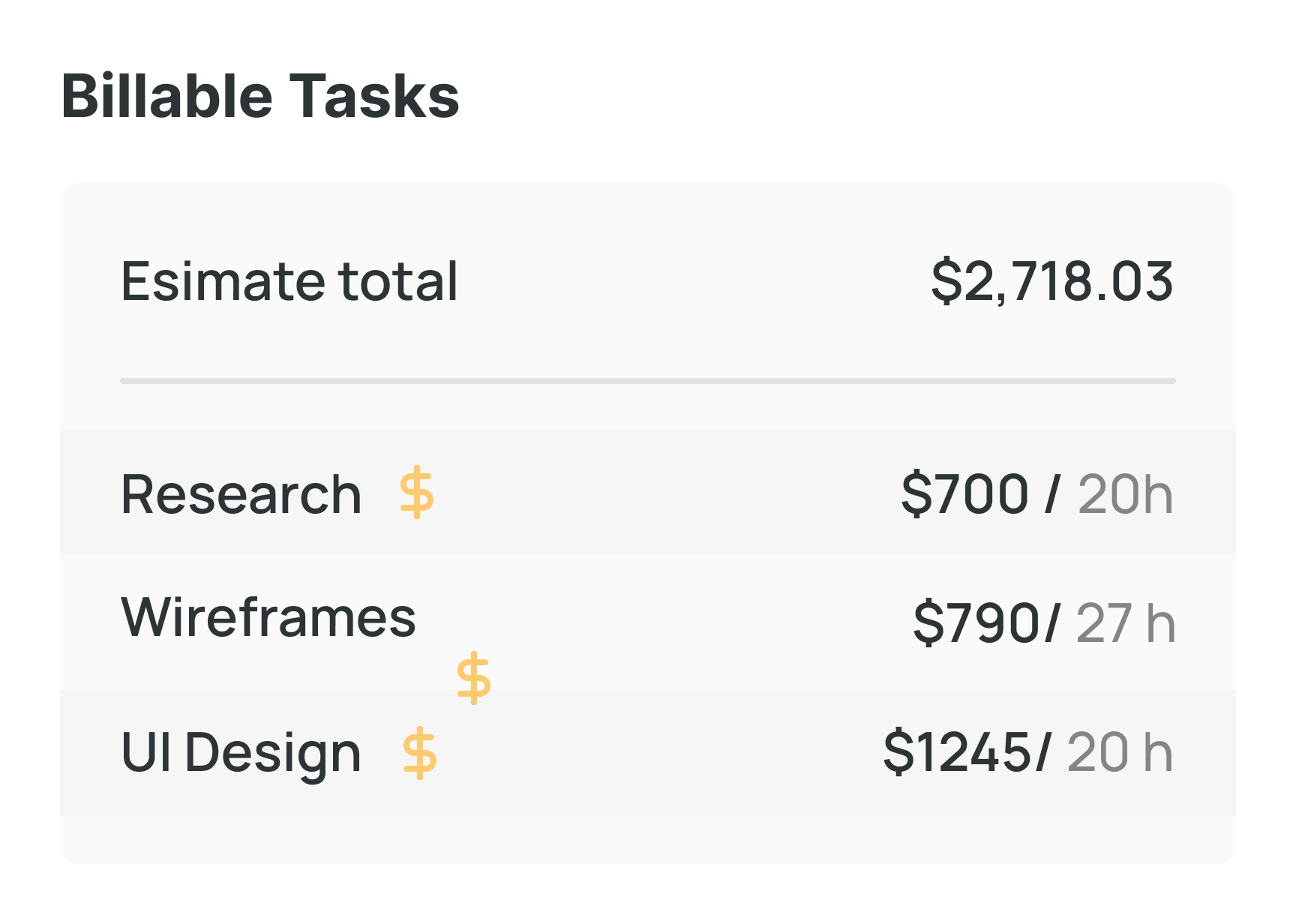
Specify project costs by detailing each service and time spent. For instance, for app development, record steps and hours invested: marketing analysis (10 hrs), UX/UI design (20 hrs), HTML (5 hrs), etc.

Transparently inform clients about pricing factors.

Use the Invoice Template

The managers can create the same invoice for different clients with a consistent pattern. That's how one can optimize it, understand what to add or what to delete, and get data that will help it grow in the future.

Manage Finances Correct

Keep all invoices in one secure place and check statuses when needed. Wobbly is a great tool as it allows one to manage time tracking and invoicing in one-time tracking and billing software. 

Keep track of your invoice

By sending an invoice to your customer, you will be notified when the letter is delivered, when the customer opens it, and when your invoice is paid. The convenient synchronization system helps you not to worry about your accounting.

Use Free Time Tracking and Invoicing Software for the Business Projects

Track Invoice Time
The time tracking billing software allows for storage of all the data in one place, so when the time comes to send the invoice to the client, there is all the information necessary.

Don't leave out extra hours or additional services that were conducted. Adjust the time and price so Wobbly can count how much the client owns.
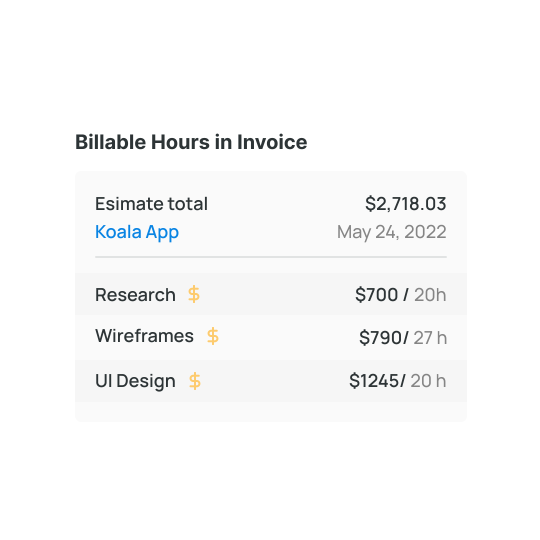
Check Billable Hours in Invoice
Come back when it's time to check the time spent on the project. It is always possible to check the amount of time worked, adjust it if needed, and send it to a client.

Wobbly generates the invoice in a nice way, so designers, managers, or anyone else should not worry about spending much time organizing data.
Create Invoice for Time Worked
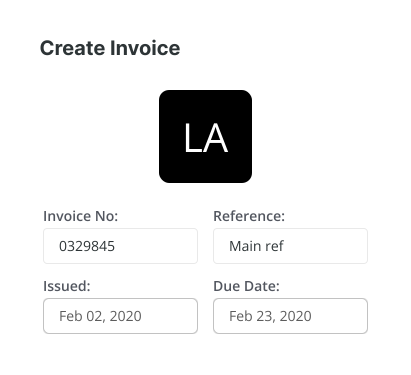
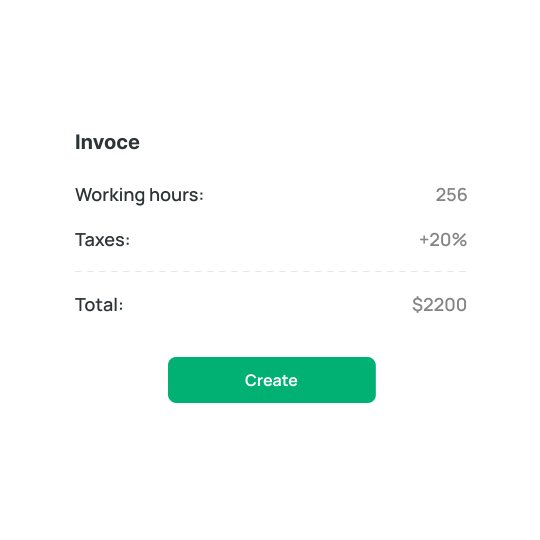
After all, workers have inserted the time worked into the time billing software, it's time to add the data into an invoice and set the rate for one working hour. After that, Wobbly calculates the amount of money the clients have to pay. Don't forget to add the tax rate so the software can also include it in the invoice.

And clients can also check what they have to pay.
Control Time Invoice Statuses
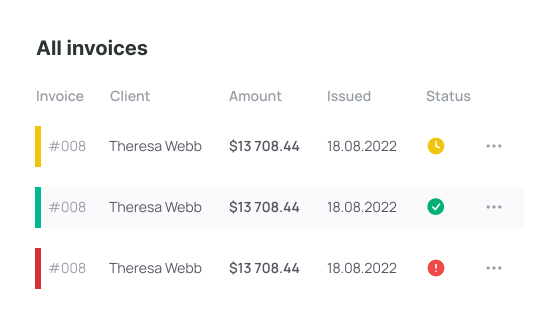
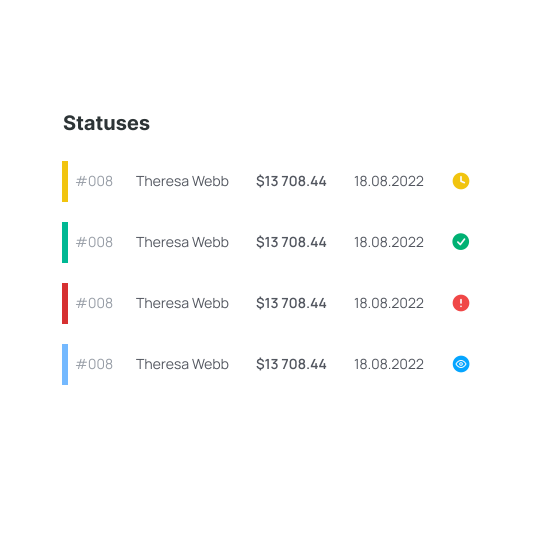
Check the status of invoices at any time needed. Rely on the data and not memory and check the invoice statuses if needed. If the team forgot whether the company has received the money, it is possible to check this status in time tracking and billing software.

Draft
Create drafts when it's not the time to send the invoice. Basically, a manager creates the invoice without sending it — that's the draft.

Reviewed
When the client checks the invoice, the time billing software Wobbly marks the invoice as Reviewed.

Paid
When the client pays for the services, it is necessary to approve them. After this step, the invoice is marked as Paid.

Overdue
Here managers can check whether the services haven't been paid for before the specific data. This helps to stop guessing twice whether the company received the money or not.

Additional Wobbly's Time Tracking Features

Time Tracking

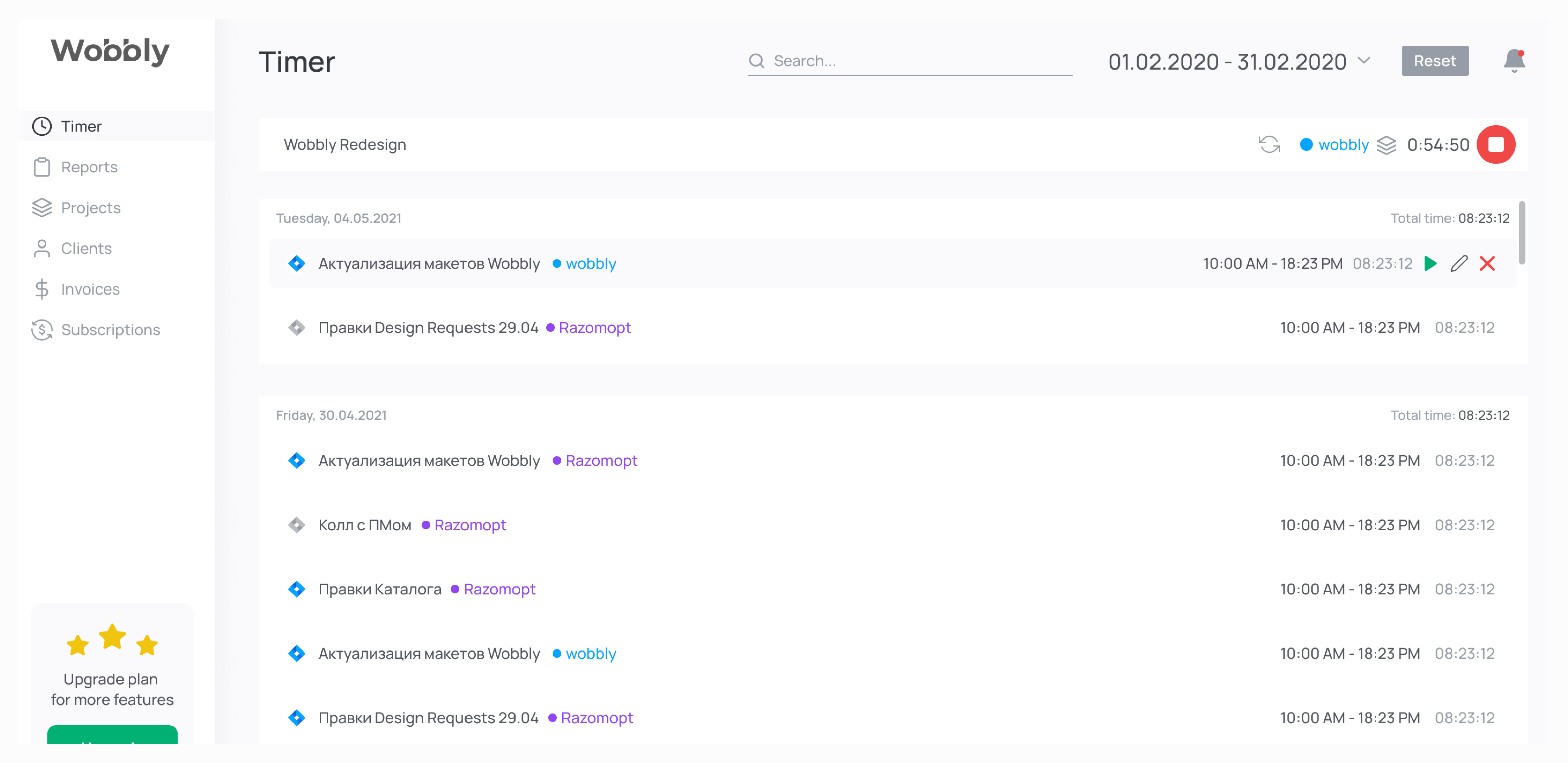
Track working time with a couple of clicks. It is also possible to add any project to favorites for instant access when it is time to track time.

Edit time that is already tracked if it is necessary to adjust the working time. And one can synchronize the time tracked with Jira, Trello, Gitlab, and Github to work more efficiently.

Resource Planning

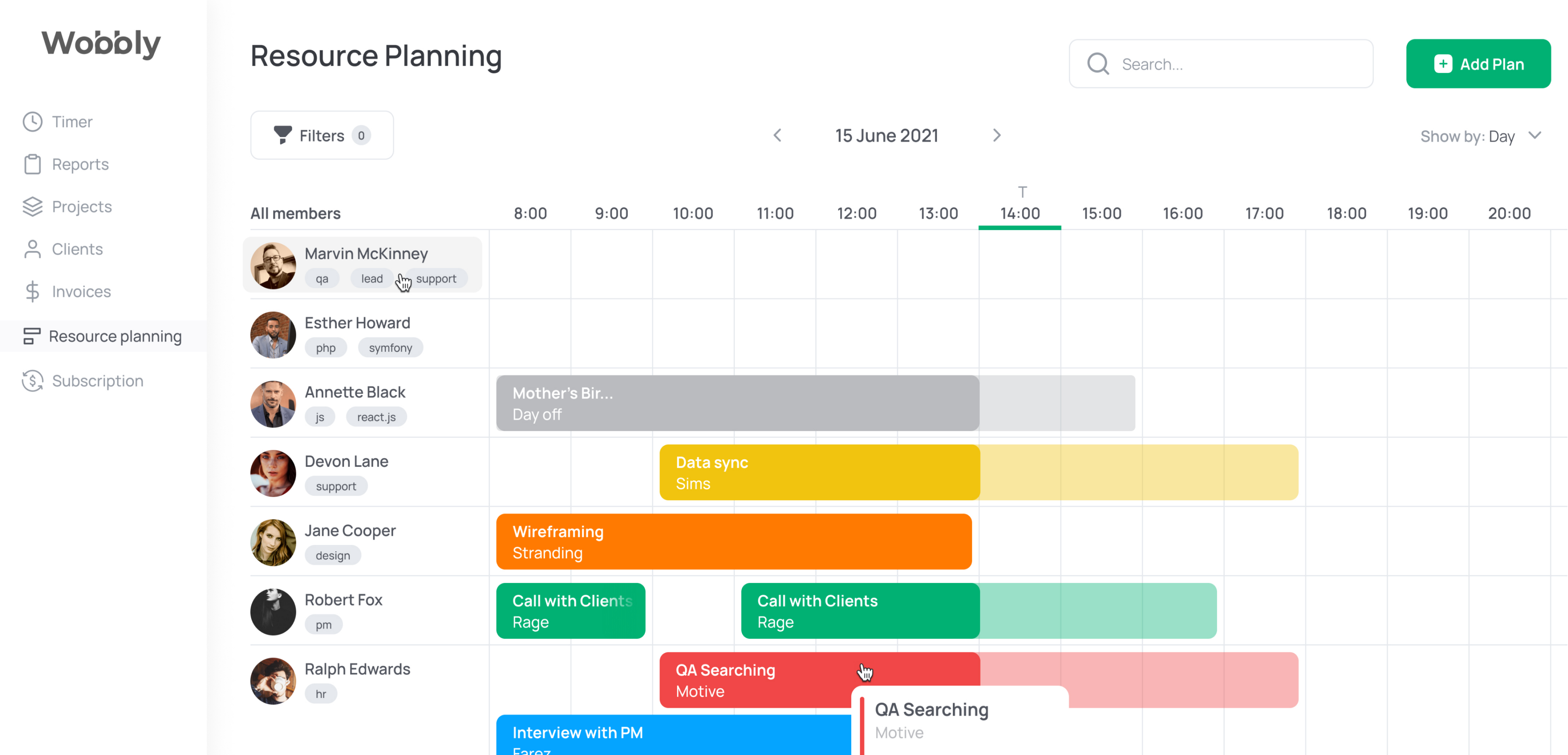
Plan the workload of team workers and see who has enough time to get new projects as soon as some are ready to be done. The overall workload can be tracked so that the manager of the team can distribute tasks evenly.

Give employees time to plan and manage the business more efficiently.
Time Reporting Tool

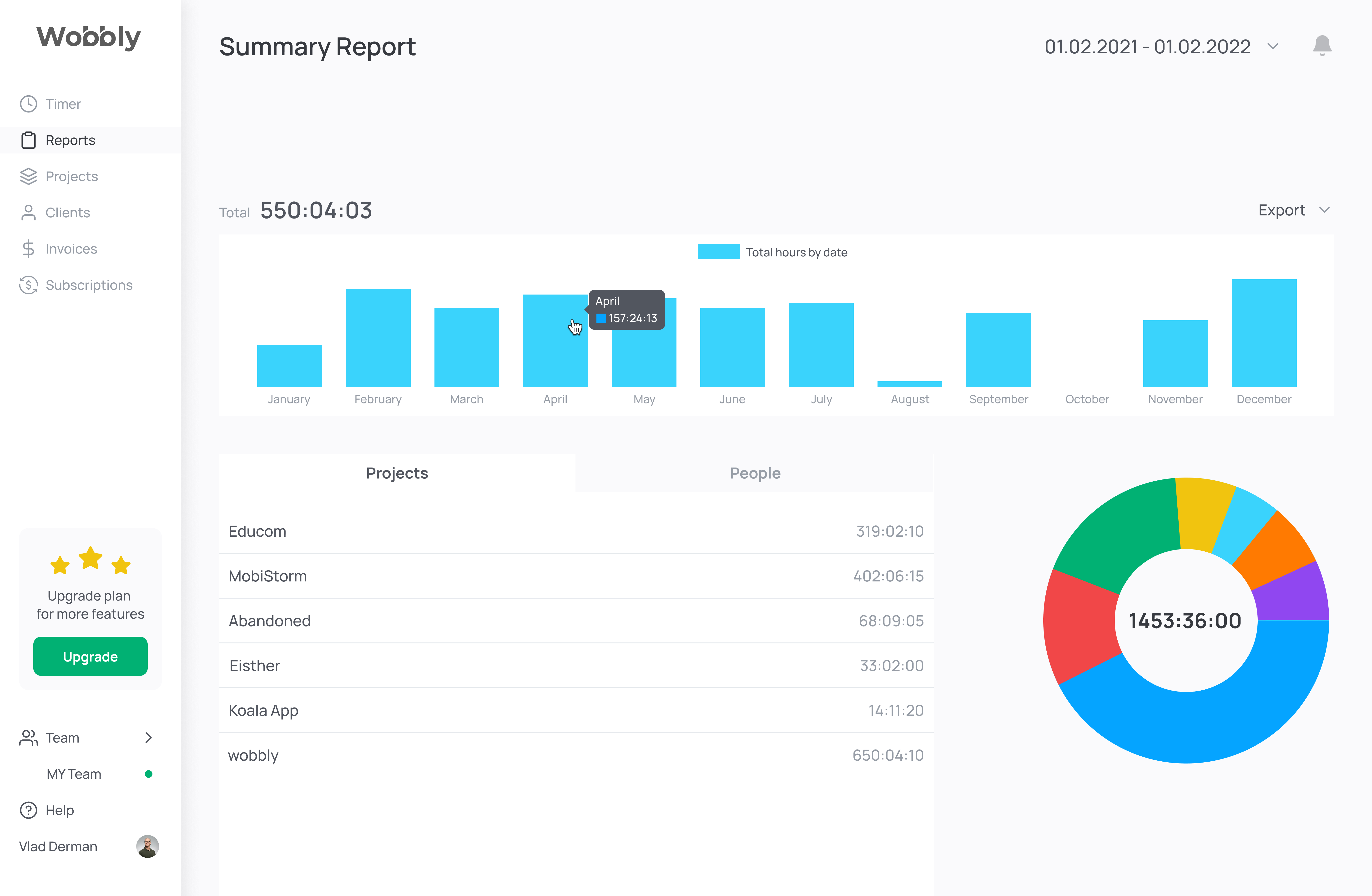
Workers can report the time spent on specific tasks of each project. It helps to understand the workload of particular specialists and pay each one based on the time worked.

Boost Your Productivity On-the-Go with Wobbly

Track your time with ease using Wobbly, the top app for individuals and teams. Accessible on iOS and Android, it provides a user-friendly interface.

No computer is required! Start the timer via the app or extension. Stay productive on the go.
Mobile App 
The tracker and reports are always handy.
Web App

Get reports, manage team resources, invoice clients.

Sign Up for Free
Browser extension

Run tracking from Trello or Jira directly or other tools.

What Our Customers Say About Wobbly
Sergii S.
Computer Software, 51-200 employees
«There are several benefits to using a time tracker, including the ability to keep track of what the.»
Source:
Sergii S.
Computer Software, 51-200 employees
«I recommend integrating Wobbly time tracker into your favorite business apps.»
Source:
Vitalii O.
Computer Software, 51-200 employees
«Integrating Jira, GitHub, and GitLab allows me to sync data between platforms easily.»
Source:
Kate M.
Computer Software, 51-200 employees
«Wobbly's Resource Planning feature has been managing our HR department more efficiently.»
Source:

Frequently asked questions

Which Types of Organizations Are Best Suited for Wobbly?

arrow_drop_down

The staff scheduling software works perfectly with any organization. Wobbly is the best solution for IT companies from the IT company. It is also suitable for freelancers, but Wobbly is more about management which is better for small and big companies than freelancers.

Why Is Wobbly the Best Choice for Employee Scheduling Software?

arrow_drop_down

Wobbly has all the necessary features for a superb team scheduling software. It is also easy to use and extremely user-friendly. And because of that, the adaptation period is simple as Wobbly has only the essential functions for successful management. Moreover, the price is the same for teams of all sizes. We don’t charge for members. The managers will also be glad as Wobbly makes it possible to automize routine tasks and focus on planning.

How Does a Staff Scheduling App Help My Business?

arrow_drop_down

With the help of simple staff scheduling software, it is possible to boost the productivity of your team and specialists individually, which leads to better performance. In the end, you can raise the check and bring the company to another level. All of this is possible because of the slightest changes and a free online employee scheduling tool.

What Are Other Helpful Time Tracking Tools from Wobbly?

arrow_drop_down

Besides the main features, Wobbly offers a Wobbly button extension that makes it possible to integrate the soft into Jira, GitLab, GitHub, and Trello. And there is also a mobile app, Wobbly time, available, which helps to track time from the smartphone and sends the data to the app and vice versa.

How Do I Create a Work Schedule for My Employees?

arrow_drop_down

Create a schedule based on the employees' workload to make sure everyone has enough work and doesn't overwork.

What Is Employee Scheduling Software?

arrow_drop_down

Workforce scheduling software is a simple tool that allows creating and managing employee schedules. Thus it is possible to dive deeper into other business processes and just check the way the team works on particular tasks and projects to make sure everything goes as planned.

Why Is Employee Scheduling Important?

arrow_drop_down

It is better to know how much time it takes to finish particular tasks, which makes it easier to price the work. It is also important to check the employees' workload so that everyone has enough work based on their skill set.

Why Choose Wobbly as Your Employee Scheduling App?

arrow_drop_down

Wobbly is a user-friendly minimalistic solution that has everything needed to run the projects and tasks, making sure the team performs great.

How Many Employees Can You Schedule with Wobbly?

arrow_drop_down

It is possible to track the workload and schedules of as many employees as there are in the company. No limits.

Find Out More About
Employee Scheduling Software

No items found.
Read more

Use Productivity Time Tracker Wobbly to Boost Your Business and Perfomance

Track worked hours
Get reports immediately
Plan team workload
Invoice clients

Create Invoices with Time Billing Software Wobbly