FREE Online Invoice Generator

Get Wobbly Time Recorder to Track Working Time and Create Superb Invoices for Clients
Start tracking for free
No credit card needed ✦ Unlimited users on Free plan
Trusted by
AriseHealth logo 2020INC logo The Paak logo Ephicient logo

How to create a bill using
the invoice generator?

Simple steps to create a professional-looking invoice that you wouldn't be ashamed to send to your client. When you are making an invoice online for the first time, you will need to enter all customer info, later, the platform will only suggest selecting the necessary options and editing.


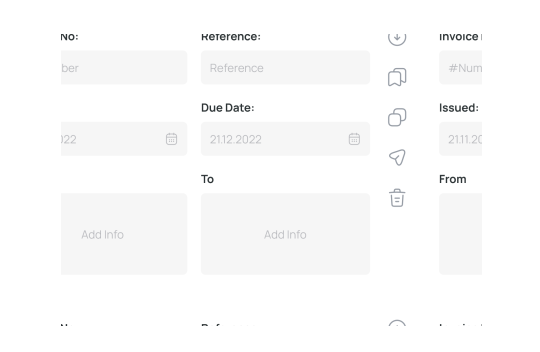
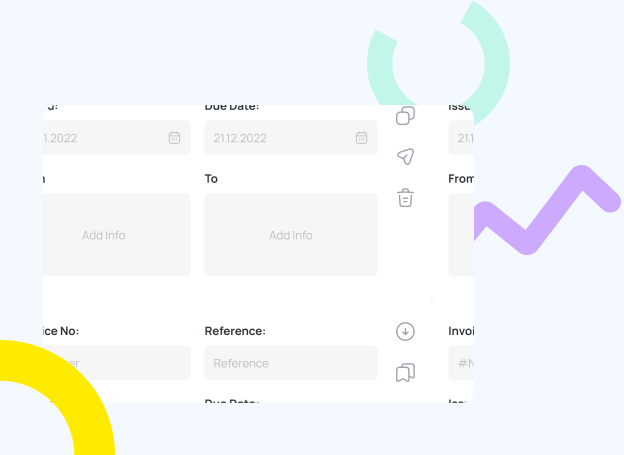
1. In the «From» section, enter your business information: company name, your name, country, address, phone, and email.

2. In the «To» section, fill in similar information about the customer and company.

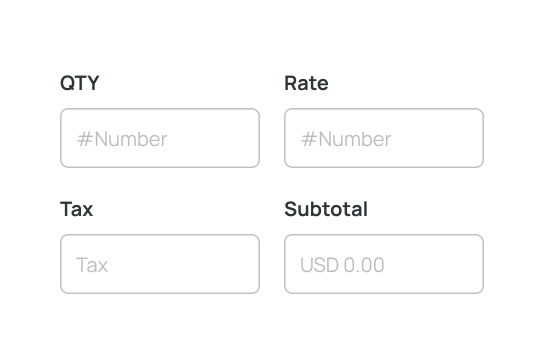
3. Add a description of the service provided to the invoice, enter the QTY, rate, and tax.

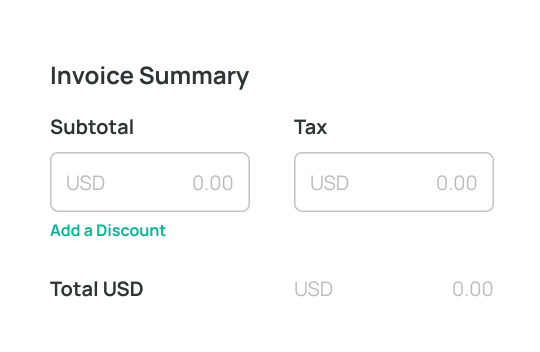
4. The invoice generator will automatically calculate the bill. You can choose the type of currency and add a discount if you wish.

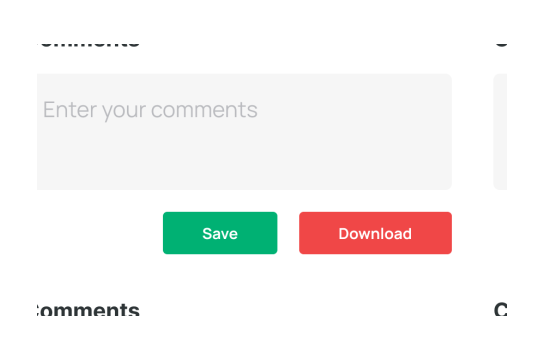
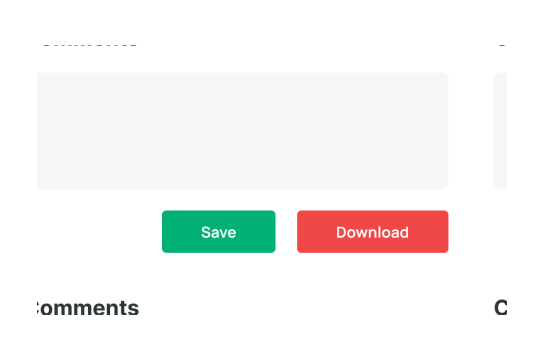
5. Use the «Comments» field to draw the client's attention to some information

6. Customize the invoice to match your brand by adding a logo. Remember to include the actual date and invoice number.

Invoice generator: main benefits of bill creator

Online invoice generator makes the process more comfortable and available if you have used Online Time Reporting Tool before. Using a template helps to avoid the need to download anything manually and create an invoice automatically. This saves you time and effort.
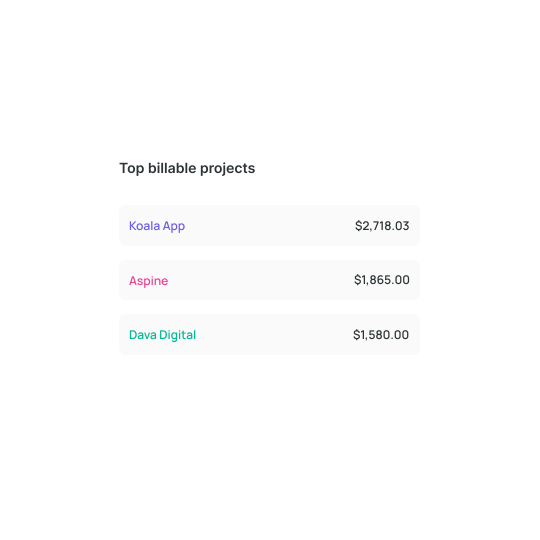
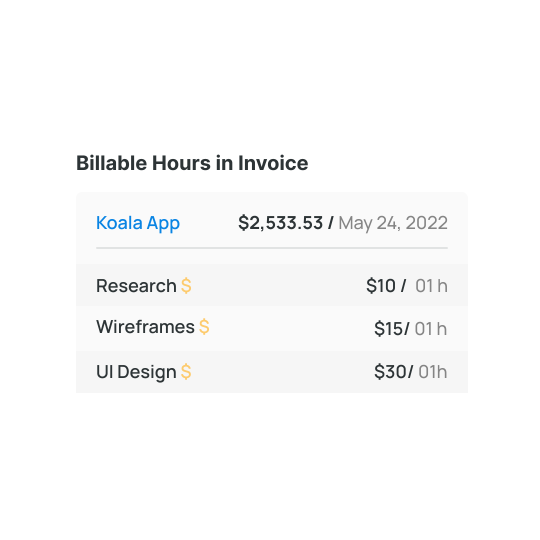
Use billable hours to pay on time
Set up task synchronization with other work tools, such as Trello Time Tracking Integration , so that all your activities are saved and paid for. You can then use this data to invoice your customer.
Send invoice as PDF via email
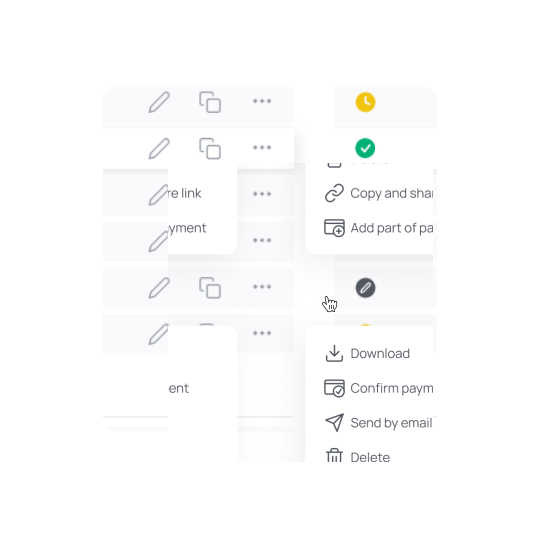
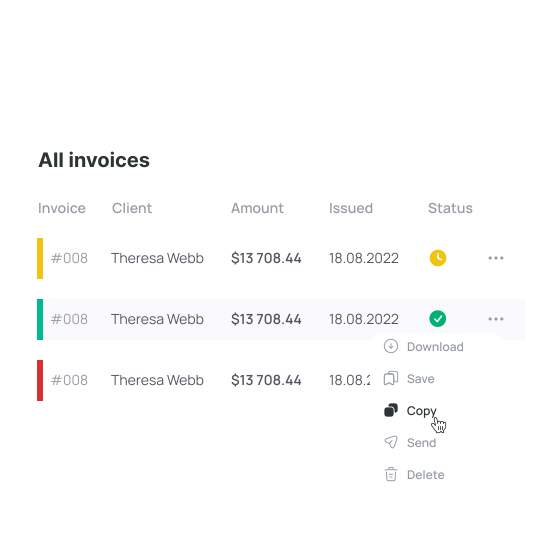
Using the invoice generator, you can quickly and easily share or download a PDF file of your invoice with just one click. This is much more efficient than using invoice templates in Excel or Word, where you have to go through several steps to export the document to PDF or make sure your client can open files in a specific format. But that's not all! You can mail the invoice directly to your customer without uploading it to your desktop. The invoice will be in pending status and automatically change to paid once it's paid.
Save client details for reuse
When you have an account on Wobbly, the invoice generator will save information about your company and your clients. On subsequent uses, the invoice template free will automatically populate your business information, items, and client information.

Furthermore, the online invoice maker will use predictive text to autofill client information such as phone number, email address, and mailing address as you enter the client's name. This eliminates the need to enter this information manually, making the process faster and more efficient.
Send invoice as link
Invoicing doesn't have to be tedious; you can work smarter and more efficiently using an invoice generator. With this free online invoice generator, you can quickly send a link to your invoice with just a few clicks.

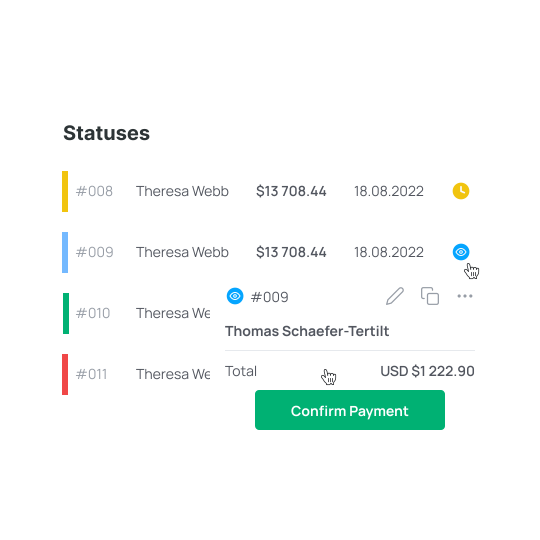
Your customers can easily view the invoice on mobile and desktop devices. Once the customer clicks on the invoice link, it will go to view status, and then the status will change when the customer pays.
See when client opens an invoice
One feature of the Wobbly invoice generator is tracking when a client opens an invoice. This can provide insights into your client's payment habits and help you follow up on unpaid invoices. By knowing when a client opens an invoice, you can better anticipate when they might pay. Tracking invoices and Time Recording App like Wobbly can help you identify and address potential issues preventing your clients from paying on time.
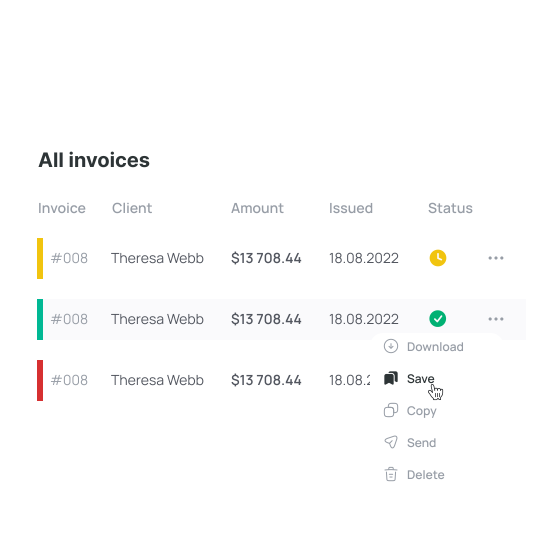
Track statuses of your invoice
Our free invoice creator has four statuses for your issued invoices: Awaiting, Reviewed, Paid, and Overdue. The Awaiting status indicates that the invoice has been sent to the client and is awaiting payment. The Reviewed status means that the client has viewed the invoice, but payment has not been made.

The Paid status indicates that the client has submitted payment for the invoice, and the Overdue status indicates that the payment deadline has passed without payment being received. Having these clear statuses lets you easily track your invoicing and follow up with clients as needed.

Important components of a bill

An invoice free template consists of 6 essential elements, while others are optional and used mainly for customization purposes.

Invoice number

Wobbly free invoice generator assigns a unique number for identifying an invoice. This number helps keep track of multiple invoices. The format of an invoice number can vary and may include file numbers, unique billing codes, or purchase order numbers based on the date of the transaction.

Date of creation & due date

The invoice generator allows including the issuance date of the invoice. It helps a customer to understand multiple invoices. Since payment is due within a specified number of days from the invoice receipt date, including the date when the payment must do is a vital aspect of indicating.
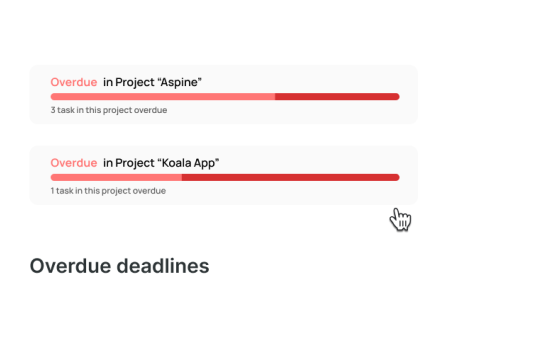
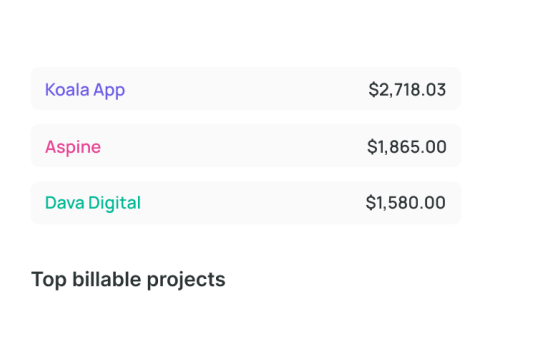
Your company name and details & Client name with Details

When you make an invoice with Free Billing Software, you must provide your business's legal name and contact info, including the address, phone number, and email address. Additionally, it's crucial to include your client's name and contact details. The invoice maker will save your data in templates for future use.

Description of Services rendered or Goods sold

In the «Description» section of invoice creator, list each good or service provided as separate line items. Correctly and in detail describing the work performed, the client will not have questions about payment for your labor. Each new line item in the invoice generator should include the name of the service and its details.

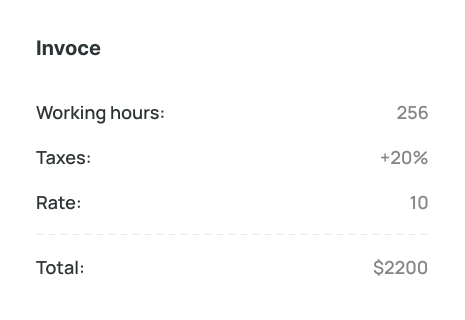
QTY & Rate & Tax & Subtotal

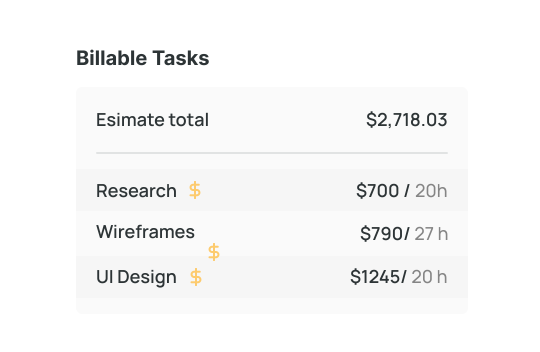
Using the online invoice generator saves you time when billing for services. In front of each completed job, enter the number of hours worked or services provided. Enter the price per unit of product/service or hourly rate. Enter your tax information or add a discount, and the free invoice maker will calculate.

Comments box

In this field, you can describe the work done in more detail, clarify difficult points, and answer possible questions of your client in advance if you think they will arise. You can also thank the client for working with your company. The invoice generator will save this information for the future.
Personnel Scheduling Software Integration

Wobbly is the best time-tracking app for consultants, and you can access it through a mobile device. The app offers iOS and Android users a user-friendly interface that is easy to navigate. There is no need to turn on the computer to start the workforce scheduling software Wobbly. Use the extension or the app to start the timer.

Mobile App 
The tracker and reports are always handy.
IOS
Android
Web App

Get reports, manage team resources, invoice clients.
Browser extension

Run tracking from Trello or Jira directly or other tools.

Chrome
Firefox

What Our Customers Say About Wobbly

Sergii S.
Computer Software, 51-200 employees
«There are several benefits to using a time tracker, including the ability to keep track of what the.»
Source:
Kate M.
Computer Software, 51-200 employees
«Wobbly's Resource Planning feature has been managing our HR department more efficiently.»
Source:
Vitalii O.
Computer Software, 51-200 employees
«Integrating Jira, GitHub, and GitLab allows me to sync data between platforms easily.»
Source:
Sergii S.
Computer Software, 51-200 employees
«I recommend integrating Wobbly time tracker into your favorite business apps.»
Source:

Frequently asked questions

Which Types of Organizations Are Best Suited for Wobbly?

arrow_drop_down

The staff scheduling software works perfectly with any organization. Wobbly is the best solution for IT companies from the IT company. It is also suitable for freelancers, but Wobbly is more about management which is better for small and big companies than freelancers.

Why Is Wobbly the Best Choice for Employee Scheduling Software?

arrow_drop_down

Wobbly has all the necessary features for a superb team scheduling software. It is also easy to use and extremely user-friendly. And because of that, the adaptation period is simple as Wobbly has only the essential functions for successful management. Moreover, the price is the same for teams of all sizes. We don’t charge for members. The managers will also be glad as Wobbly makes it possible to automize routine tasks and focus on planning.

How Does a Staff Scheduling App Help My Business?

arrow_drop_down

With the help of simple staff scheduling software, it is possible to boost the productivity of your team and specialists individually, which leads to better performance. In the end, you can raise the check and bring the company to another level. All of this is possible because of the slightest changes and a free online employee scheduling tool.

What Are Other Helpful Time Tracking Tools from Wobbly?

arrow_drop_down

Besides the main features, Wobbly offers a Wobbly button extension that makes it possible to integrate the soft into Jira, GitLab, GitHub, and Trello. And there is also a mobile app, Wobbly time, available, which helps to track time from the smartphone and sends the data to the app and vice versa.

How Do I Create a Work Schedule for My Employees?

arrow_drop_down

Create a schedule based on the employees' workload to make sure everyone has enough work and doesn't overwork.

What Is Employee Scheduling Software?

arrow_drop_down

Workforce scheduling software is a simple tool that allows creating and managing employee schedules. Thus it is possible to dive deeper into other business processes and just check the way the team works on particular tasks and projects to make sure everything goes as planned.

Why Is Employee Scheduling Important?

arrow_drop_down

It is better to know how much time it takes to finish particular tasks, which makes it easier to price the work. It is also important to check the employees' workload so that everyone has enough work based on their skill set.

Why Choose Wobbly as Your Employee Scheduling App?

arrow_drop_down

Wobbly is a user-friendly minimalistic solution that has everything needed to run the projects and tasks, making sure the team performs great.

How Many Employees Can You Schedule with Wobbly?

arrow_drop_down

It is possible to track the workload and schedules of as many employees as there are in the company. No limits.

Find Out More About
Employee Scheduling Software

No items found.
Read more

Use Productivity Time Tracker Wobbly to Boost Your Business and Perfomance

Use Productivity Time Tracker Wobbly to Boost Your Business and Perfomance

Track worked hours
Get reports immediately
Plan team workload
Invoice clients